Where BIM › Maintenance › Home › Task Plans
Before you start
BIM Maintenance profile. Locations and Task Types created in BIM › Maintenance › Data.
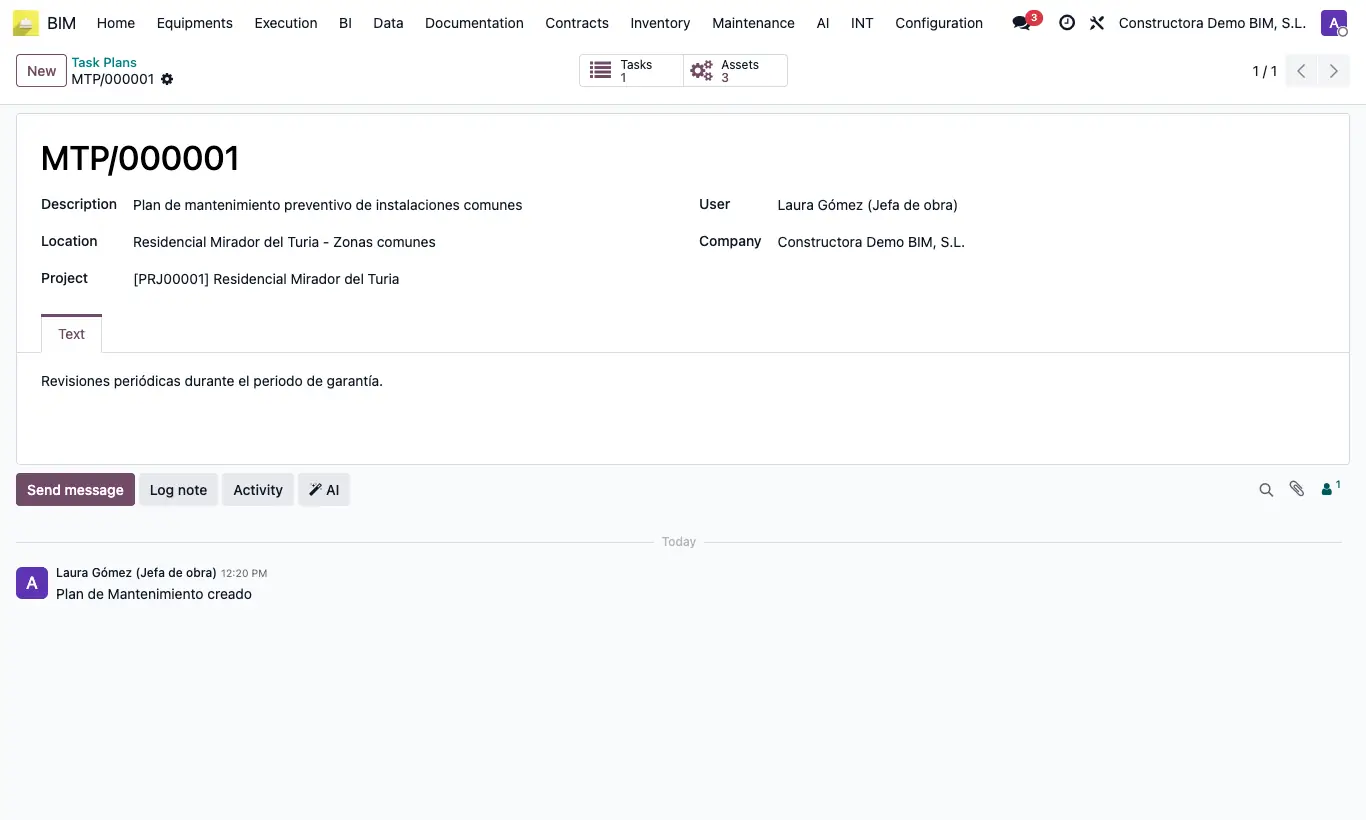
Steps
- Create the types you use in Maintenance › Data › Types of Tasks (they only have a Name).
- Go to Maintenance › Home › Task Plans and click New.
- Enter the Description and choose Location and Project (both required).
- Save and click the Tasks button: create each task with its Name, Type Task, Priority and Responsible.
- With the Assets button add the building equipment the plan covers.
Warning
To Process requires a Responsible and To finished requires Who Review: without them it warns "You must select a contact".
Site note
The task goes through To Process, Play/Stop (measures the real duration), To Review and To finished.
The cost of tasks with the project indicated on their Bim tab (and Include For Bim active) is added to the project costs.