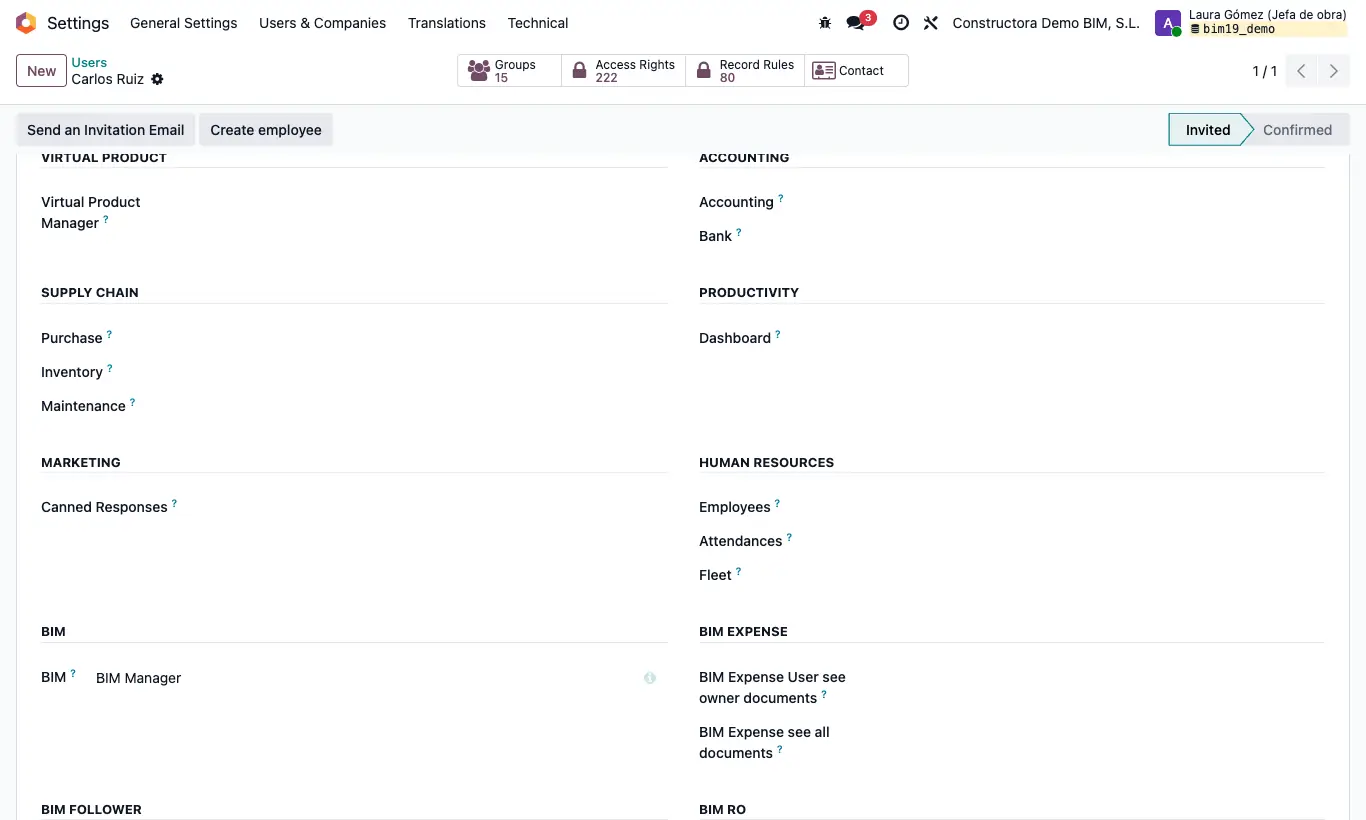
Steps
- Give the IA profile to whoever needs AI › Basic › ChatBim, AI › Advanced › Models and AI › Data › Sample Prompt.
- With IA they also see the budget's AI Chat button and the AI button in the history of any document.
- To design dashboards with Design with AI you also need BI Admin.
Warning
The budget tree assistant (wand icon) does not require the IA profile: anyone who can open the budget can use it, as long as a model is configured. Requests are charged to the company's key.
AI models belong to each company: set one up in every company that uses it.
Site note
Someone without IA who clicks the history button gets “Only users in the AI group can chat with the AI.”.