Before you start
To assign them: Administrator role.
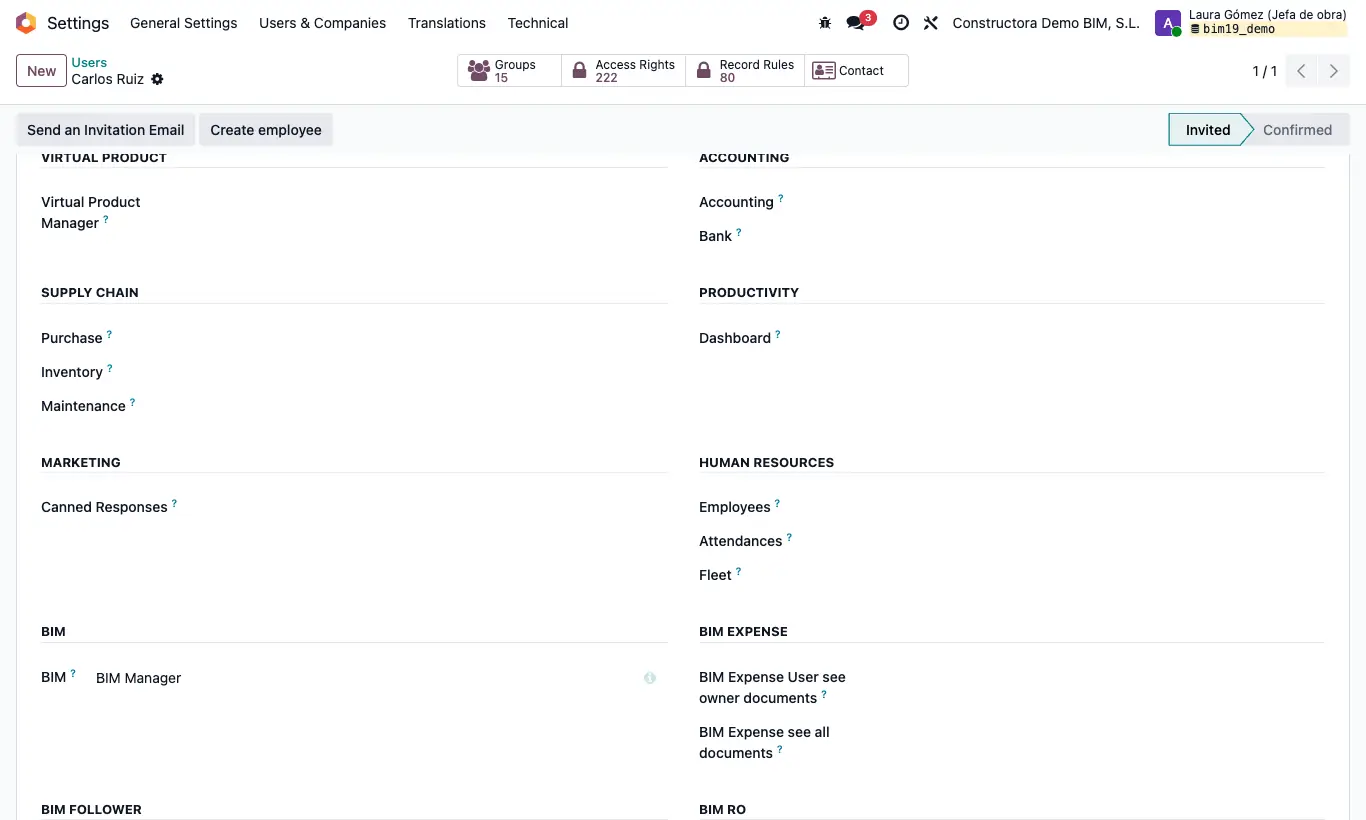
Steps
- Bim RO section: BI User opens the BI menu (dashboards, BI RO and Result Table) read-only. BI Admin: also designs dashboards, enters Configure dashboards and calculates result tables for any site manager.
- IA: AI menu and the AI buttons of the budget and the history.
- BIM Integrations: INT menu (importers for budgets, items and APU, Revit, Autodesk and the attendance importer).
- BIM Maintenance: Maintenance menu.
- Development section: Development User opens the Development app and the Development tab of the budget and of the item.
- BIM Marketing: menu Documentation › Forms. BIM SQL Report: menu Data › Others Reports › BIM SQL Reports.
Warning
A BI User only sees the result tables they created and, to calculate them, must be the only Site Manager chosen.
BI dashboards show all the projects of the active companies, even if the user only has BIM User see owner documents.