BIM 2.0Odoo 19

Process manual

Search for what you want to do and follow the steps. Each process shows where it is in the menu, what you need first and which mistakes to avoid.

The life of a project

Users and permissions

What do the special profiles allow (deleting projects, USD, sandbox)?Individual profiles for delicate actions.
Before you start

To assign them: Administrator role.
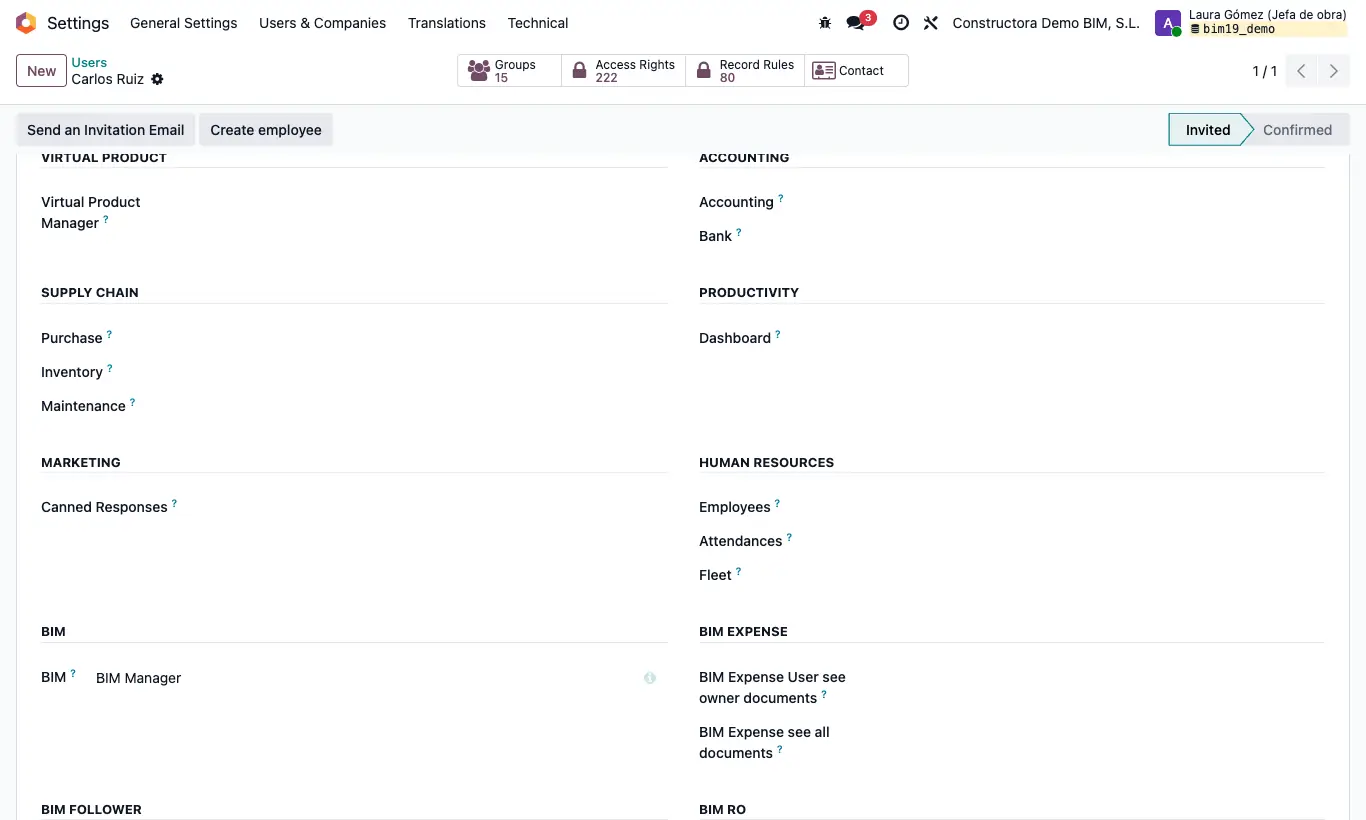
What do the special profiles allow (deleting projects, USD, sandbox)?

Steps

  1. BIM Delete: allows deleting projects. Without it you get “You do not have permission to delete projects”.
  2. BIM USD Currency User: Usd Exchange box in the ST tab of the budget (included in BIM Manager).
  3. BIM Sand Box: Sandbox button on the project form.
Warning

Even with the profile, a project with budgets cannot be deleted: “You cannot delete a project that has budgets”. Archive it instead.

Documented version: BIM 2.0 (base_bim_2 19.0.19.04.2026) · Odoo 19