Before you start
To assign them: Administrator role. For Picking Cost Value, also developer mode.
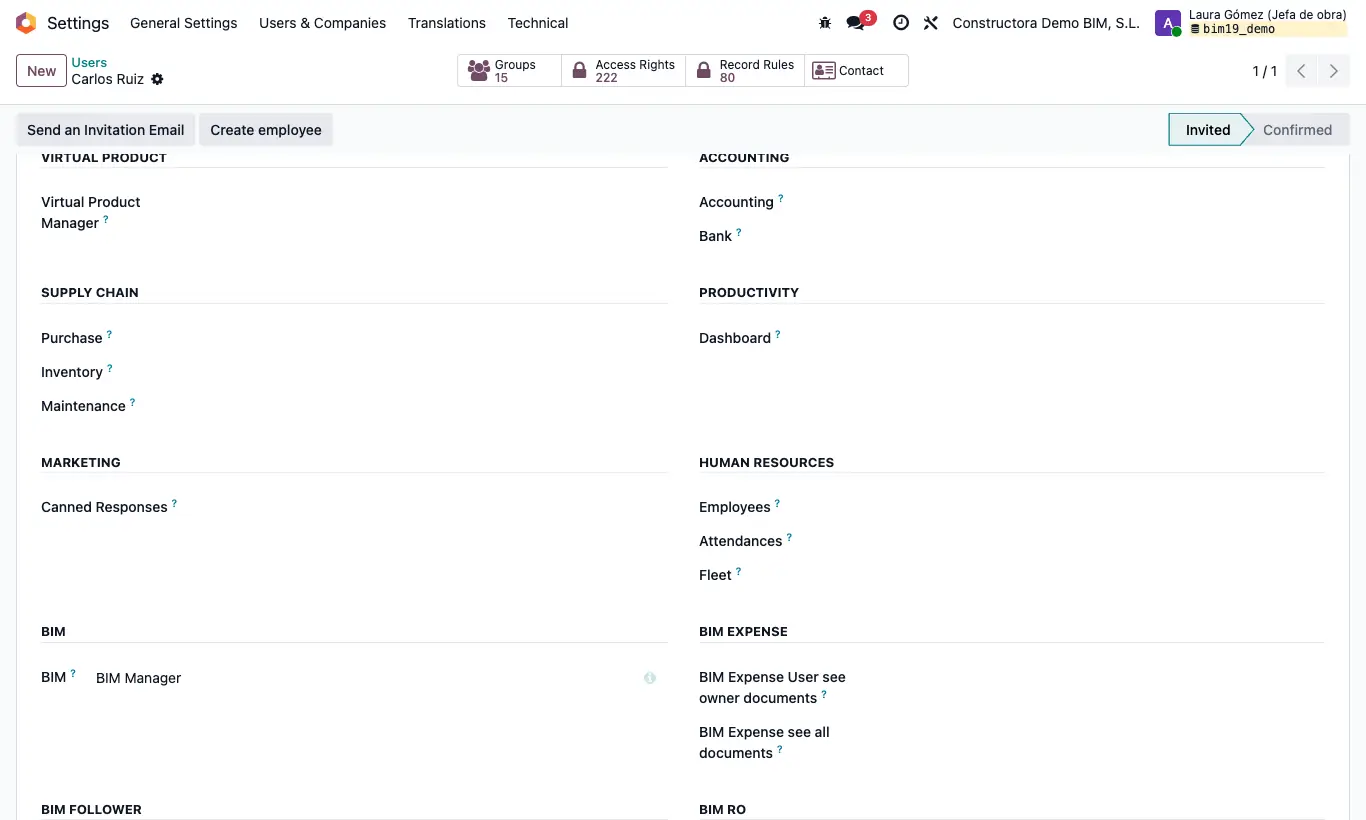
Steps
- Give them Inventory as User: without it they do not see the BIM › Inventory menu or the project's Output Mov. button.
- Deliver product user: menu BIM › Inventory › PPE (deliveries, withdrawals, transfers and massive deliveries).
- Virtual Product Manager: needed to open BIM › Inventory › Virtual Products.
- BIM Invoice From Picking: Create Invoice button on delivery notes that come from a BIM purchase.
- Picking Cost Value: delivery note costs and Update Cost button. It has no section of its own: with developer mode it appears in Extra Rights.
- See budget and concept in documents: shows the budget and item fields on delivery notes and purchase lines to charge to the project.