Where Budget › TL tab › Create sale order
Before you start
BIM User profile. Payment status product configured.
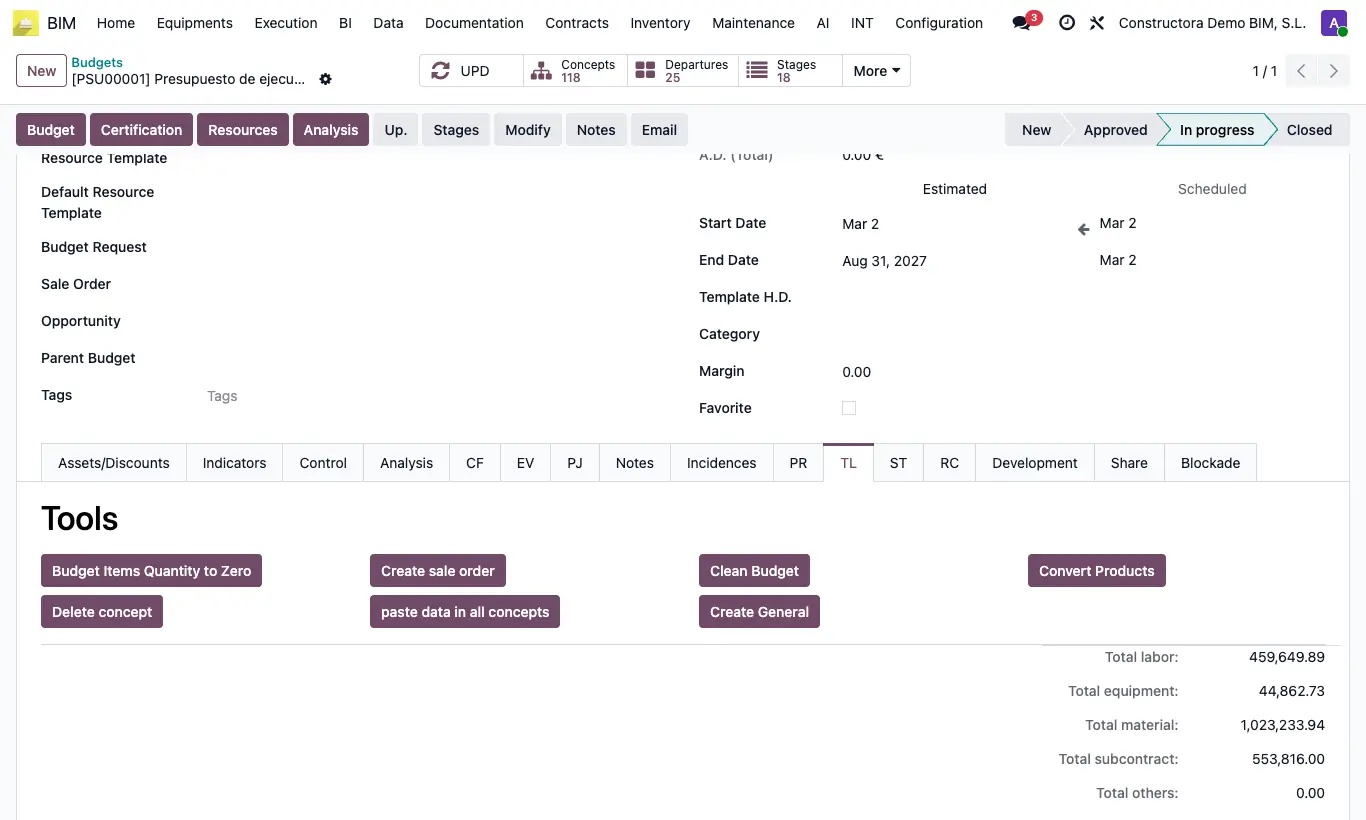
Steps
- Check that there is a Payment Status Product: in the project's Accounting tab or in Config › Settings › Bim 2.0 › INVOICING.
- Open the budget and click UPD.
- Go to the TL tab and click Create sale order. Confirm.
- The order opens: project customer, budget currency and a line with that product for the budget amount.
- Review taxes and terms and confirm the order like any sale.
Warning
Without a payment status product, "No hay ningún producto definido para el estado de pago" appears.
Site note
The order is linked in the budget's Sale Order field and, if the project comes from the CRM, in its opportunity.