Where BIM › Data › Generals › PCP
Steps
- First create the phases and their sub-phases in BIM › Data › Generals › Concepts Phase (a sub-phase is a phase with a Parent).
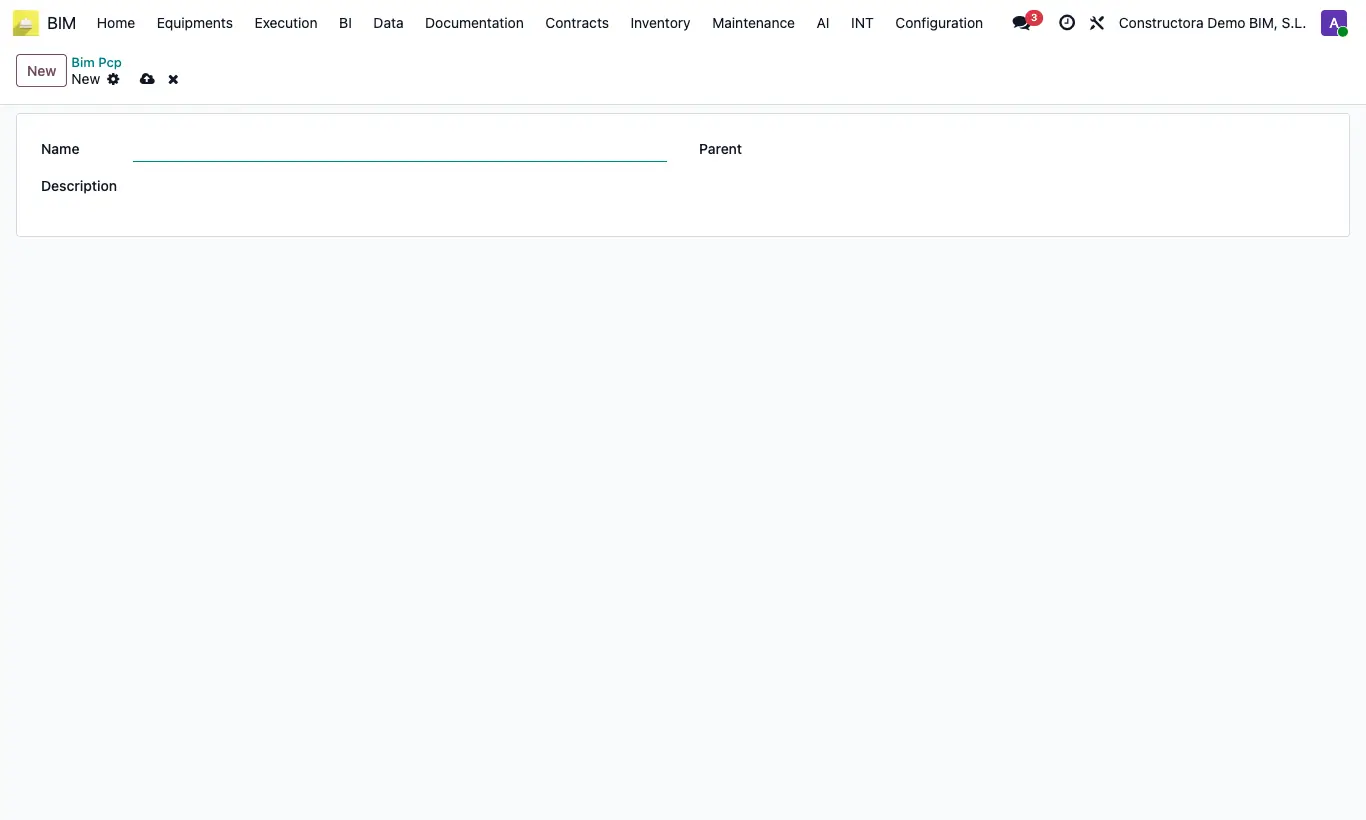
- Go to BIM › Data › Generals › PCP and click New.
- Enter the Name (the code), the Description and choose in Parent the sub-phase it belongs to.
- On each item, Analysis tab, choose Phase, Sub Phase and then the PCP: only the PCP of that sub-phase appear.
- On the daily report lines set the PCP of each job.
- In BIM › Execution › Daily Parts › Daily Parts Liquidation the report quantities are added up by PCP.
Warning
When reading the reports in a settlement, if any report line has no PCP the error “You must select the PCP in the daily report” appears.