Where BIM › Config › Config
Before you start
BIM Administrator profile and Settings administration permission.
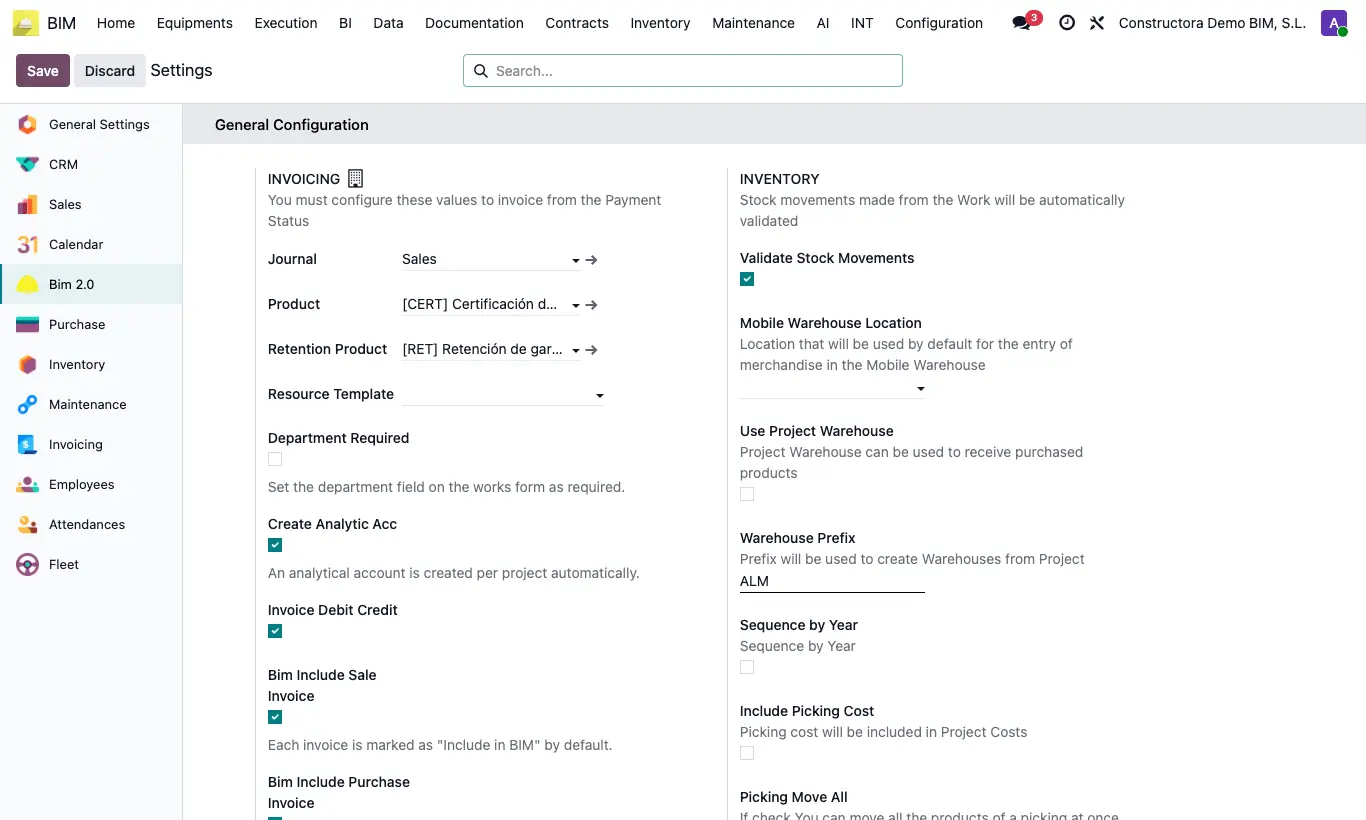
Steps
- Go to Config › Config and find the Budget Configuration block.
- In Price in Budget choose the rule: Cost (the product's Cost), Price (its Sale Price), Rate (the price list chosen in the budget) or Cost List (the cost list of the project or budget).
- Save.
- From then on, each time you choose a product in a budget resource, its price is filled in with that rule.
- If the rule is Rate, each budget requires the Price list field. If it is Cost List, the Cost List field appears.
Warning
Changing this setting does not recalculate the resources that already exist. To bring the new prices into an existing budget, use the budget's Up. button.
Site note
If the project has Agreed Prices for that product, they take precedence over the general rule.
With Rate the list is applied with the project's customer and the budget's start date.
Unit price lines take the Cost if the rule is Cost or Cost List, and the Sale Price in all other cases.