Where BIM › Home › Projects › Project Objects
Steps
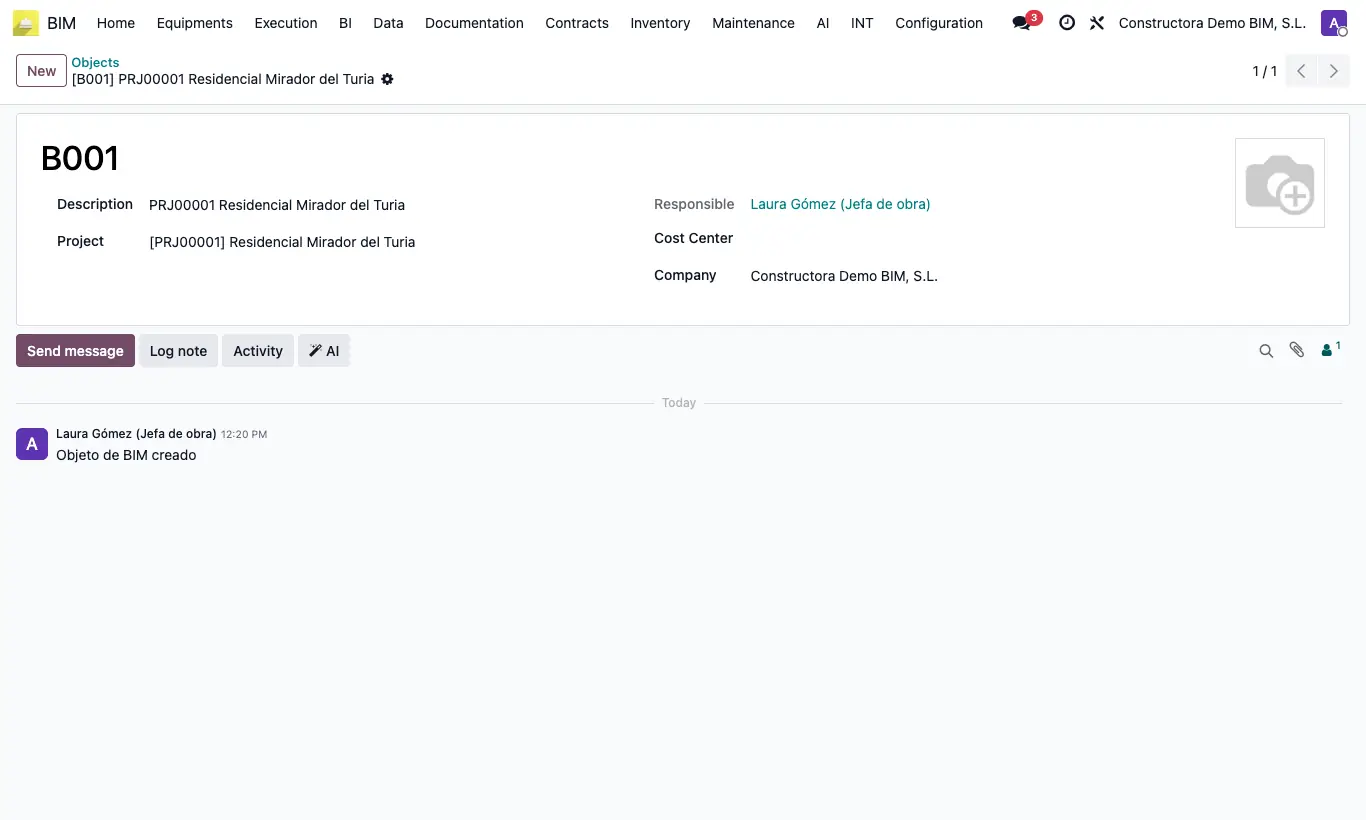
- Go to Home › Projects › Project Objects and click New.
- Type the Description and choose the Project. The code is assigned automatically on saving.
- If you want to track its costs separately, choose its Cost Center.
- In the budget spaces, choose the Object each one belongs to.
- Use the object in warehouse issues and in manual payment statuses by objects.
Warning
The Code of a space can only be changed if Edit Code Space is enabled in the BIM 2.0 settings.
If you create a space from the general menu instead of the Spaces button in the budget, the proposed code is always S1.
Site note
Budget reports can be filtered by spaces and by project objects.