Where Budget › Action › Export Gantt / Import Gantt
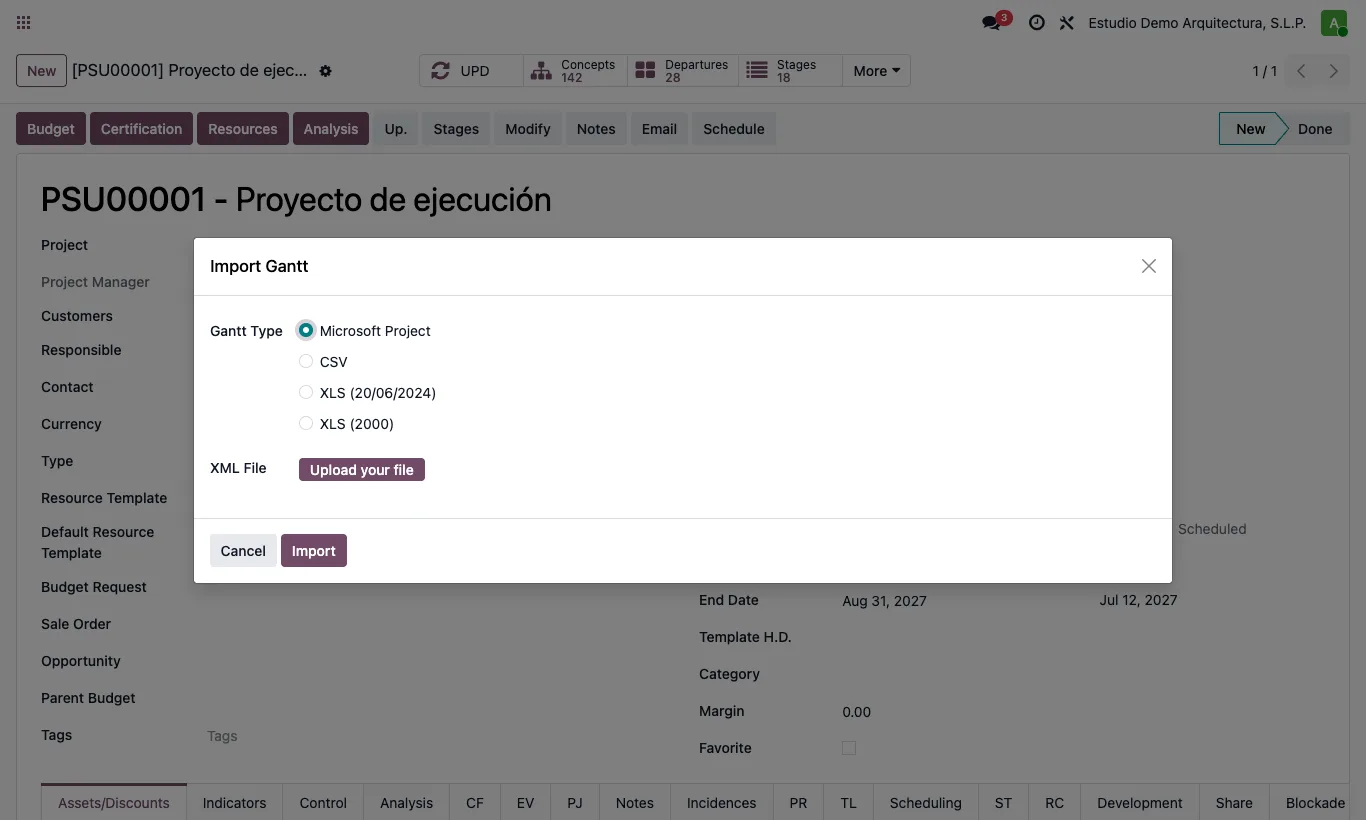
Steps
- In the budget open the action menu (gear icon) and click Export Gantt. Choose Microsoft Project and download the XML.
- Open it in MS Project: it carries the calendar with holidays, the links with their type and lag, constraints, deadlines, progress and baseline 0.
- To bring it back, click Import Gantt, choose Microsoft Project and upload the XML.
- Tick Import Calendar to create a calendar with the file's days, working hours and holidays, and Import Baseline to create a baseline from the file's baseline 0.
Warning
Tasks are recognised by the number they were exported with or by their code: export from BIM 2.0 before editing in MS Project.
The import replaces the predecessors of the items in the file.
Site note
The imported calendar is a new one: the previous one is left untouched, because other projects may use it.