Where BIM › Home › Projects › Budgets
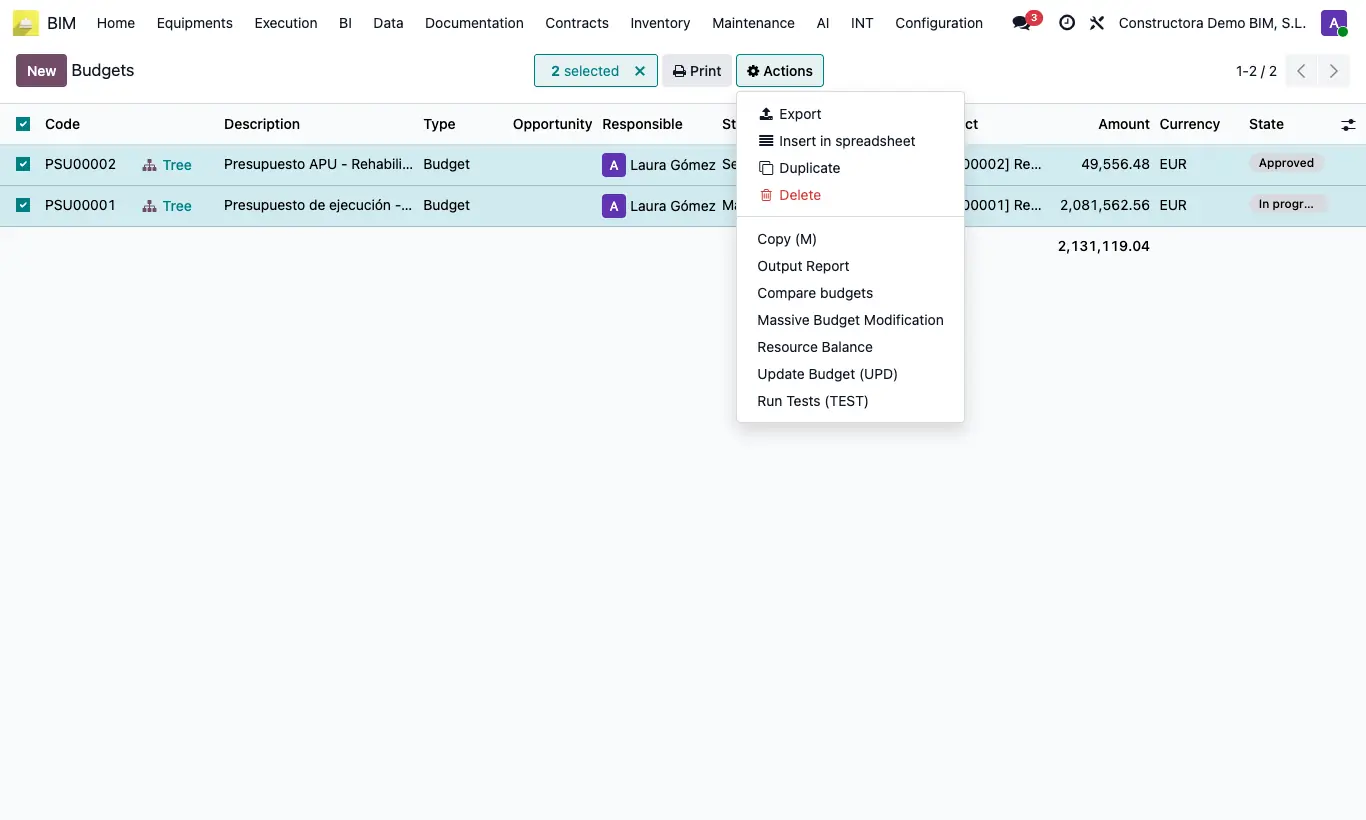
Steps
- Go to Home › Projects › Budgets (list view) and check the budgets.
- Open Actions and choose Massive Budget Modification.
- Check Change Budget Type and choose the New Budget Type: Budget, Certification, Execution or Programming.
- Check Change Budget State and choose the New Budget State.
- Check Calculate Budget to recalculate (UPD) all the selected budgets.
- Click Apply Changes.
Warning
Change Budget Type is checked by default: uncheck it if you only want to change the status or recalculate.