Where BIM › Maintenance
Before you start
BIM Maintenance profile.
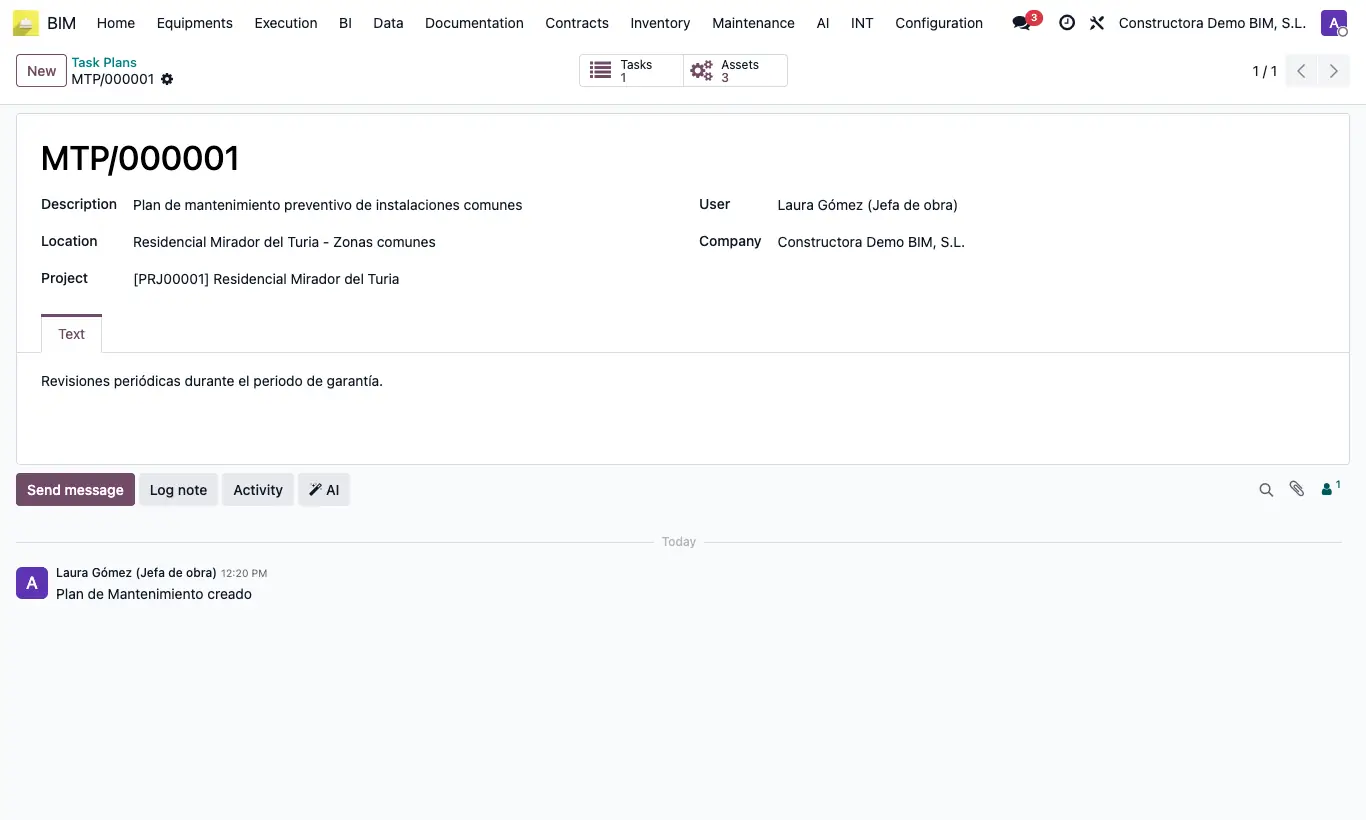
Steps
- Set up task types, categories, locations and parts in BIM › Maintenance › Data.
- Register the Assets with their serial number and label them with their QR.
- Create the plan for the delivered project in Task Plans, with its tasks and assets.
- Receive the notices in Work Request and convert them with Create Work Order.
- Carry out each order in Tasks: subtasks, resources, times, review and signature.
- Record the equipment readings in Measures or from the QR.