Where BIM › Maintenance › Home › Measures
Before you start
BIM Maintenance profile.
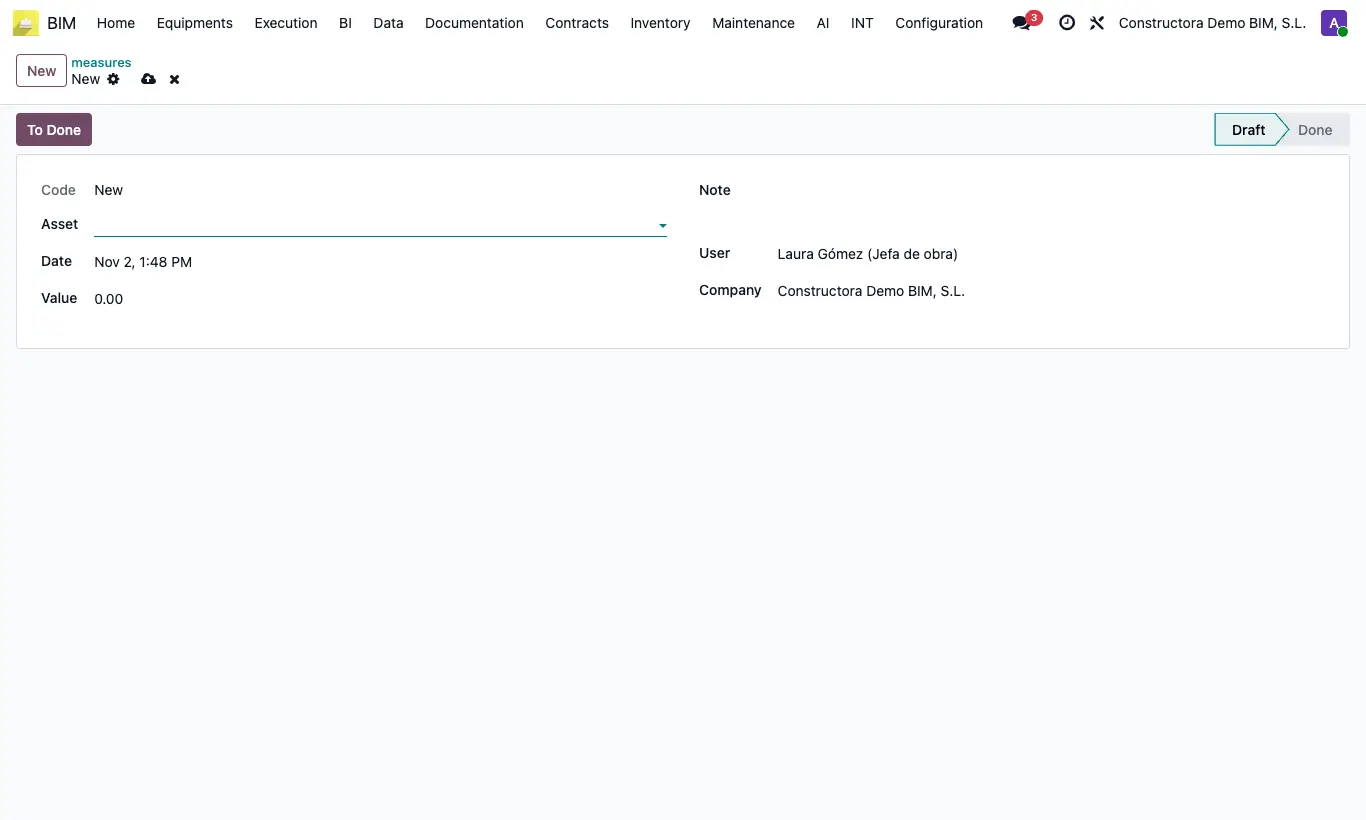
Steps
- From Odoo: in BIM › Maintenance › Home › Measures click New, choose the Asset, enter the Value and the Note, and click To Done.
- From your mobile: scan the QR on the asset's URL tab.
- On the Measurements page the Code Equipo is already filled in; enter the Value and, in User, your Odoo user (the email you log in with).
- Click Send.
- Review each asset's readings with its Measures button, or in the Measures pivot table view.
Warning
If the User does not match an Odoo user, the reading is not saved.
The link carries a key from the General Config (key maintenance_measure). If it is changed, the printed QR codes stop working.