Where BIM › Maintenance › Data
Before you start
BIM Maintenance profile.
Steps
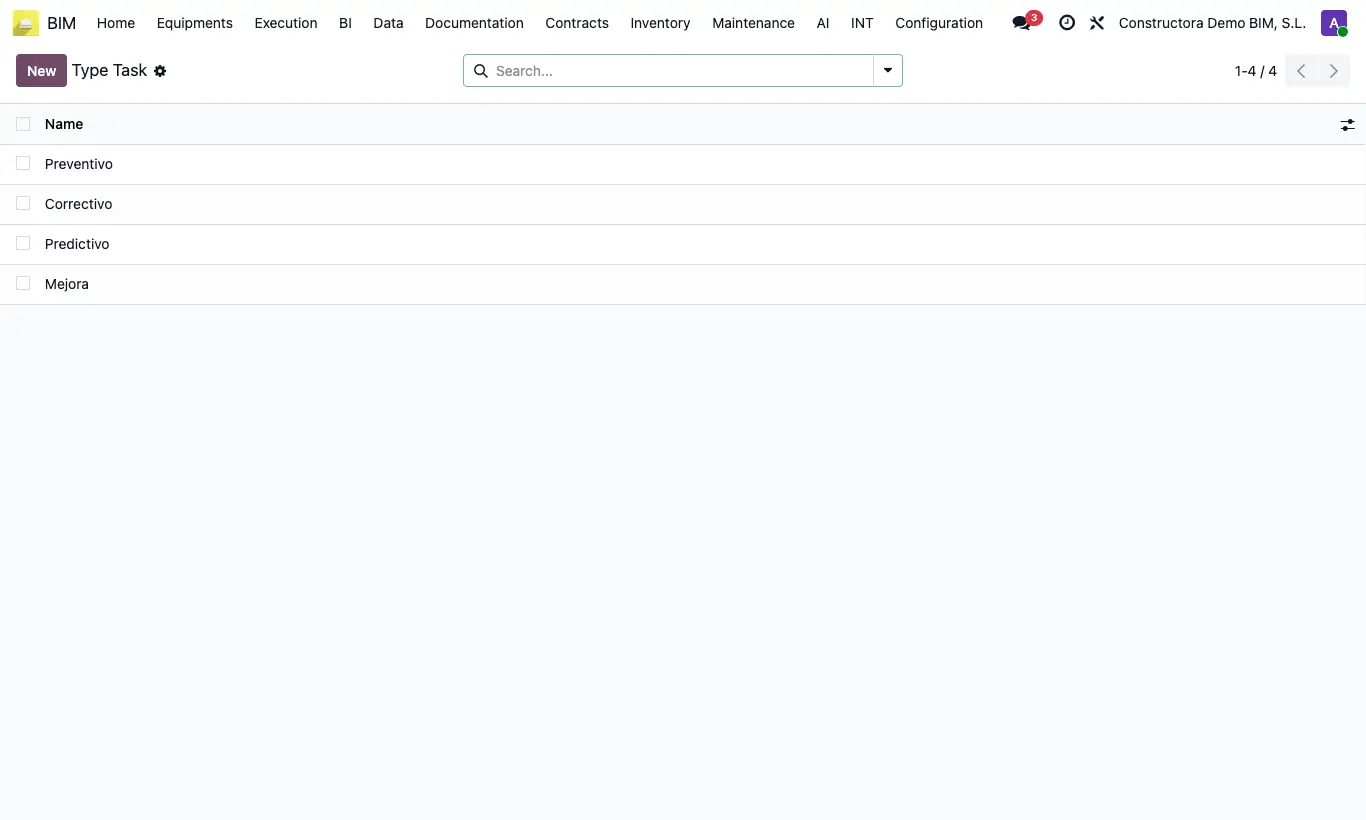
- In BIM › Maintenance › Data › Types of Tasks review the built-in ones (Preventive, Corrective, Predictive, Improvement) and add your own.
- In Categories create the families of installations (HVAC, Plumbing…); for a subcategory choose the Parent Category.
- In Locations create the building tree (building › floor › unit) with Parent Location and, if you wish, the owner Customer.
- In Parts create the parts or components that are inspected (filters, motor, electrical panel…).
Site note
A "General" location and category and an "All" part come pre-created to get you started.