Where Task › Activators button
Before you start
BIM Maintenance profile.
Steps
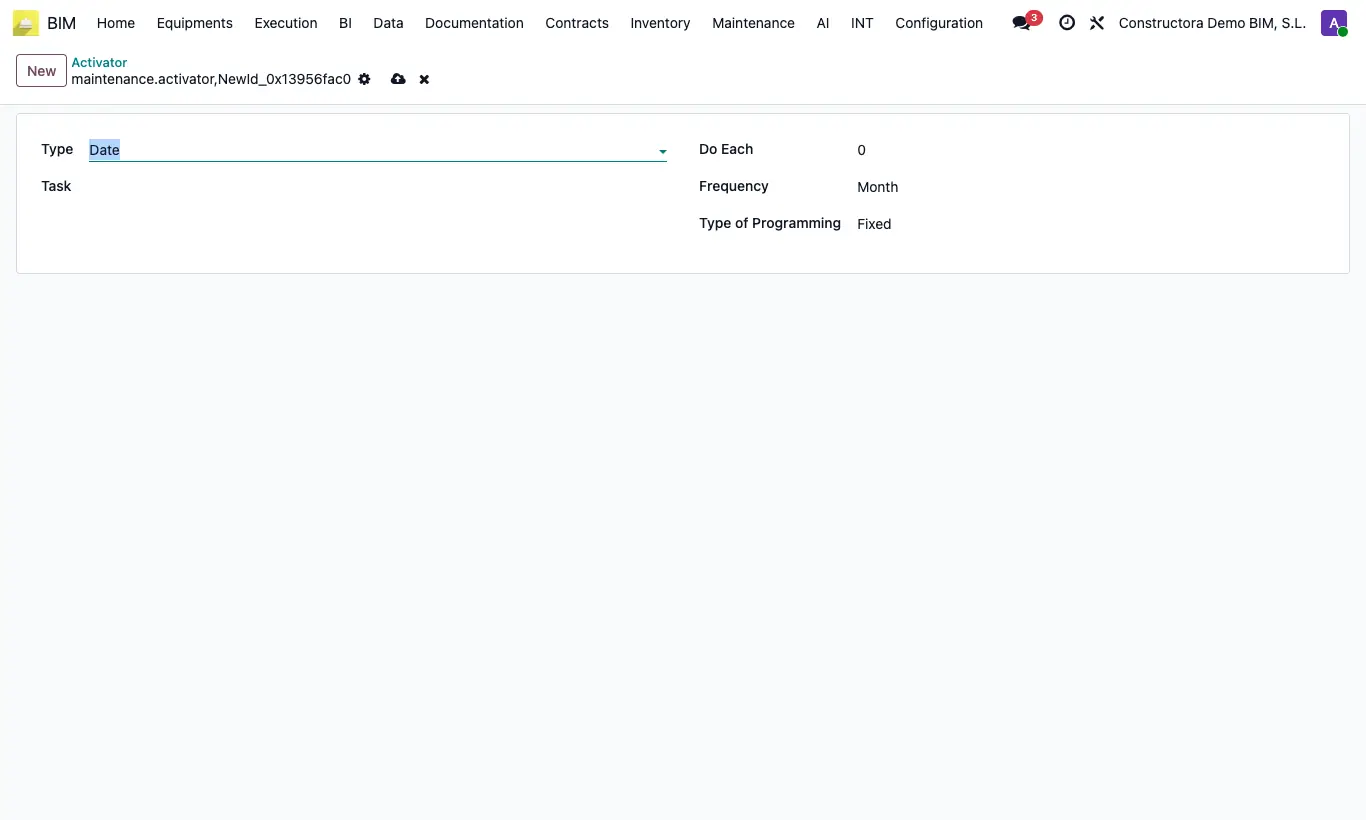
- Open the task and click Activators; click New.
- Choose the Type: Date, Each, When or Per Event.
- Enter Do Each (number) and the Frequency: Day, Week, Month, Year or a day of the week.
- Choose the Type of Programming: Fixed or Variable. Save.
Warning
Activators document the periodicity, but BIM does not create tasks on its own from them: create the orders for each period.