Where BIM › Data › Attendance › Hourly price list
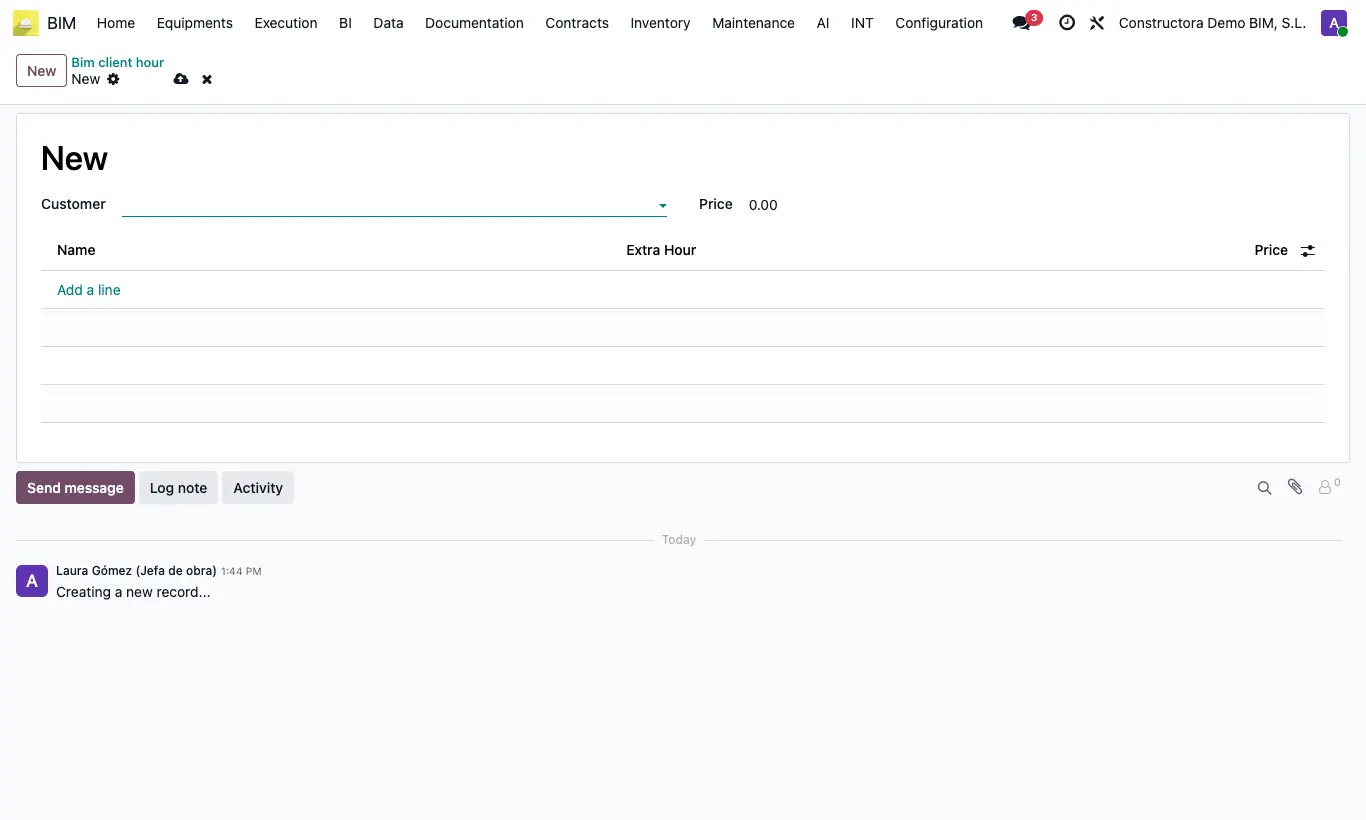
Steps
- Go to Data › Attendance › Hourly price list and click New.
- Choose the Customer and write the general Price.
- Add one line per employee with their Price and, if it is an overtime price, the type in Extra Hour.
- Save. When you choose a project of that customer in an attendance, this list is applied.
- If you want a default price, create another list with your own company as Customer: it is used in attendance for projects whose customer has no list.
Warning
If the customer has no list and your company's does not exist either, the attendance is left without a price.
In timesheets the general Price is used, and the employee's line only when the entry carries overtime.
Site note
In attendance the hourly price is looked up in this order: the employee's line in the customer's list; if it is not there, the general Price of that list; if the customer has no list, the employee's line or the Price of your company's list.