Where BIM › Inventory › BIM Cost List
Before you start
BIM Manager profile for the setting.
Steps
- In Settings › Bim 2.0, set Price in Budget to Cost List.
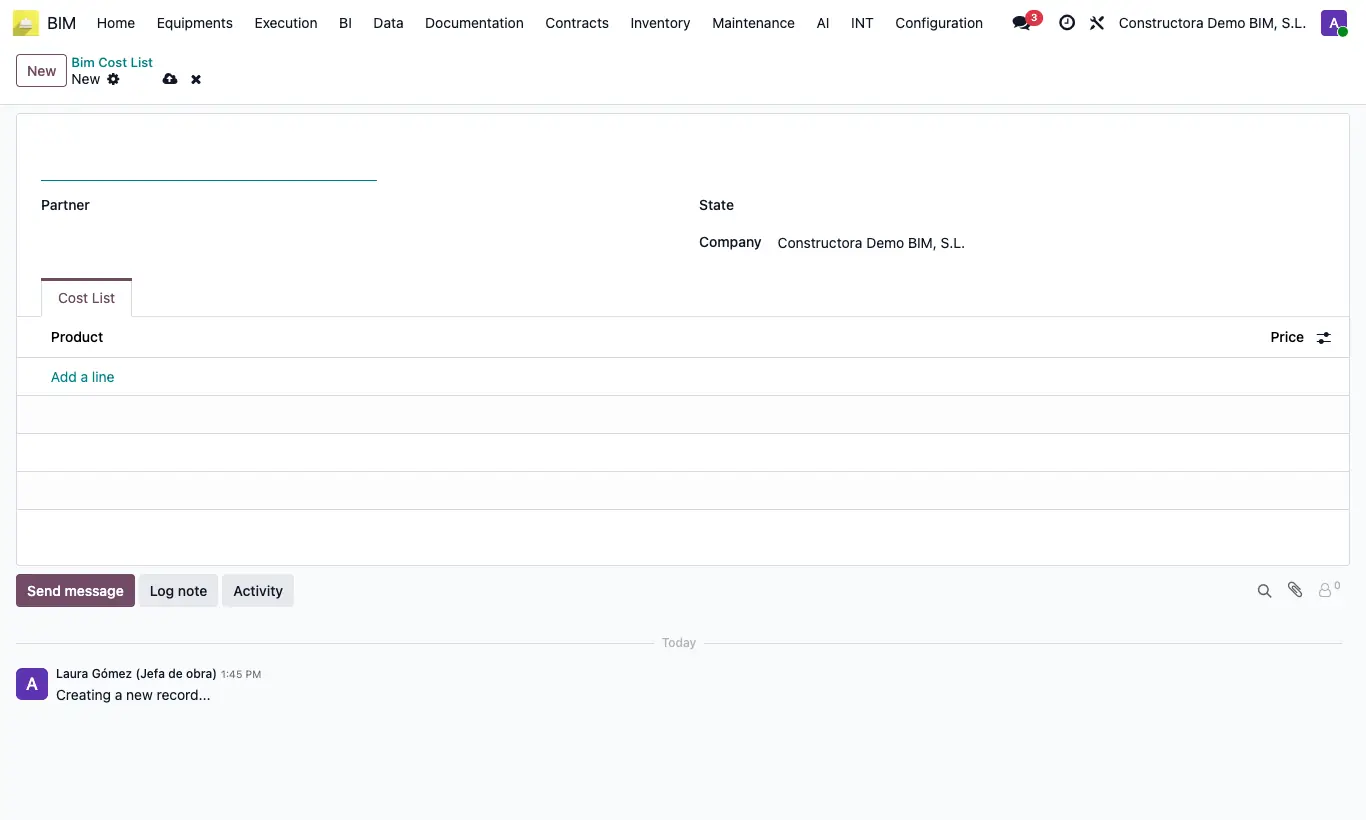
- Go to Inventory › BIM Cost List and click New. Enter Name and the Customer or the State (province) it applies to.
- In the Cost List tab add each Product with its Price.
- When you choose the project's customer, that customer's list is assigned or, if there is none, that of its province (Accounting tab, Cost List field).
- New budgets inherit the list and use it for resource prices; if a product is not in the list, its cost is used.