Where Bim Project › Inventory tab › Liquidate Stock
Before you start
Inventory profile. The project with a warehouse.
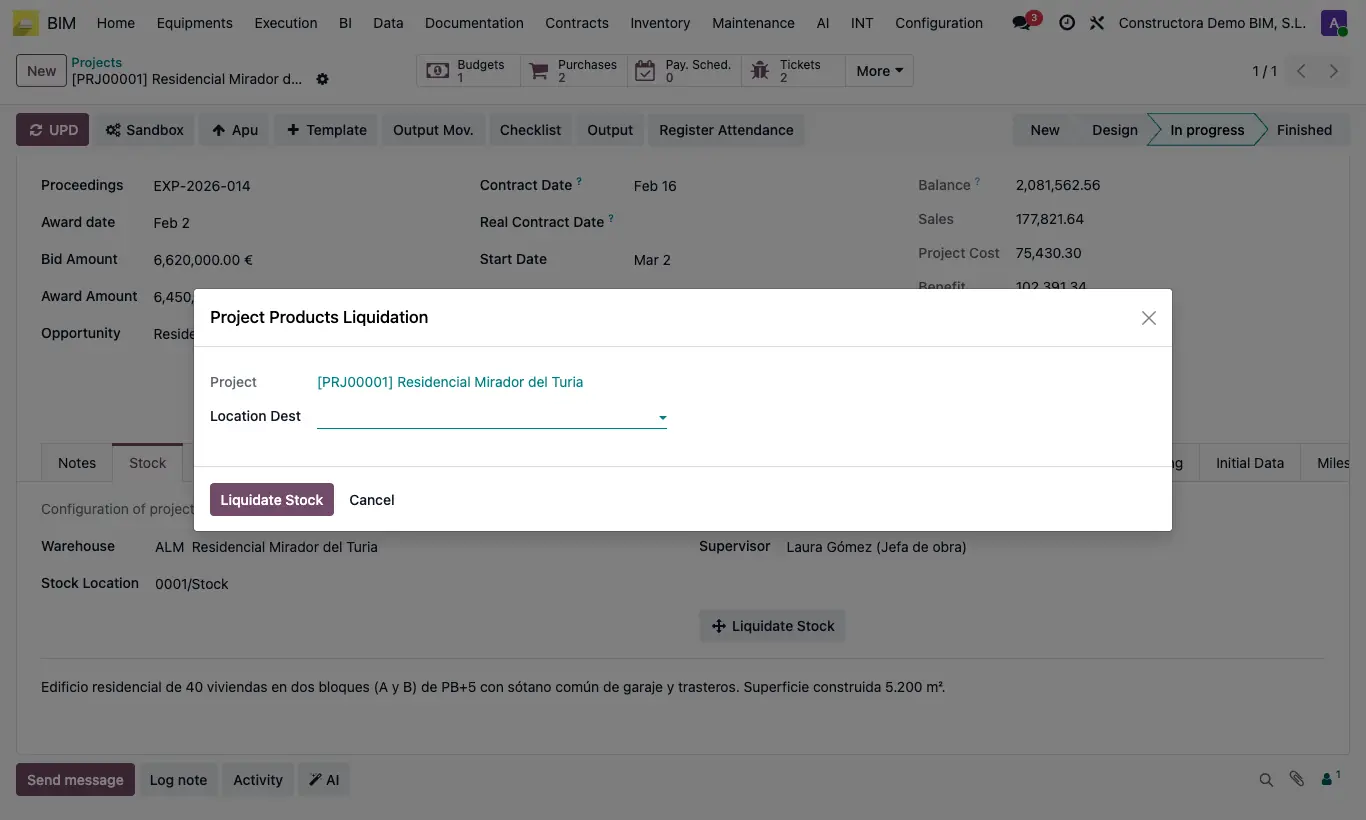
Steps
- Open the project and go to the Stock tab.
- Click Liquidate Stock.
- In Location Dest choose your company's internal location the material goes back to.
- Click Liquidate Stock: an internal transfer is created and validated with all the positive stock of the project location.
- The project history records which location it was liquidated to, with which transfer and who did it.
Warning
If nothing is left in the project location you get “There are no products to liquidate in this project”.
Everything is moved, without choosing products: if you only want to take out part, use Output Mov. or a transfer.