Where BIM › Inventory › Material Request › Material Request Lines
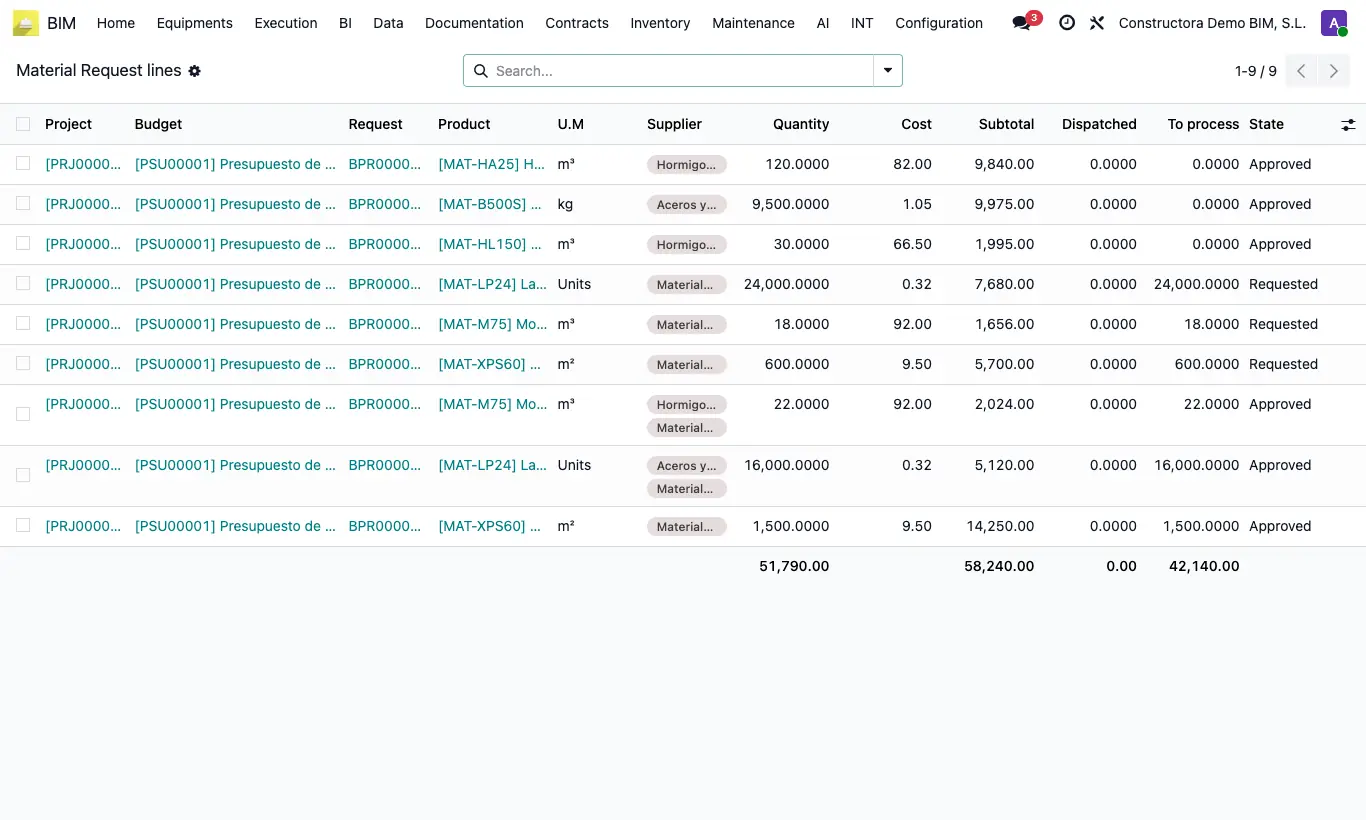
Steps
- Go to Material Request Lines.
- Search by Project or by request, or group by Project or by Material Request.
- Review for each line the Quantity, the Cost, the Subtotal, what has been Dispatched and what is left To process.
- To change anything, open the request: this list is for viewing only.
Site note
The same exists for services in Service Request Lines.