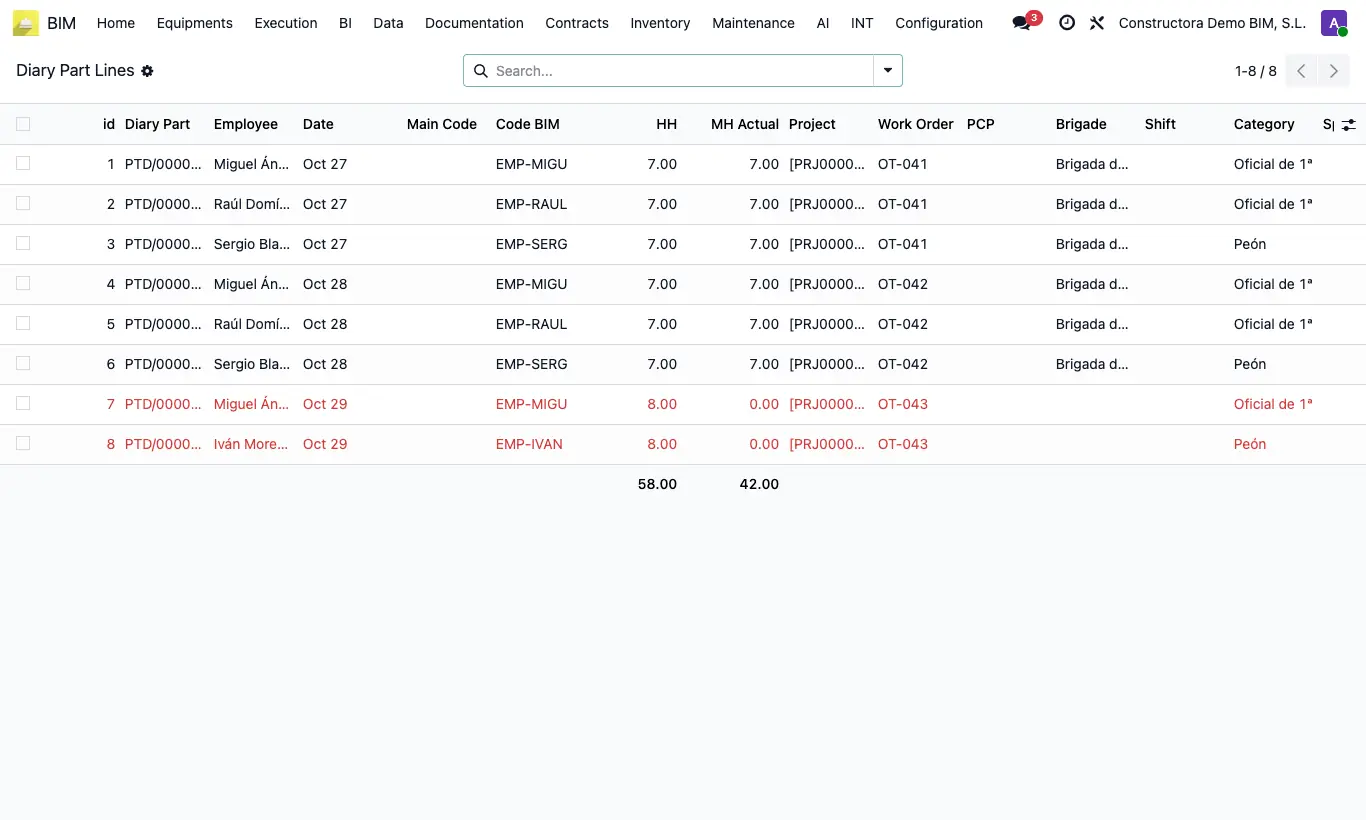
Where BIM › Execution › Daily Parts › Daily Parts Lines
Steps
- Go to Execution › Daily Parts › Daily Parts Lines.
- Filter by employee, project, date or crew and group by whatever you need.
- Show or hide columns: Shift, Category, Specialty, Location, Payroll, Bi Week…
- Export the list to Excel for payroll or hours control.
Warning
Shift, category, specialty, payroll and bi-week are copied when you click To Loaded on the report. On reports still in Draft those columns are empty.
The list is read-only: to correct something, open the report.
Site note
Rows in red have HH different from MH Actual.