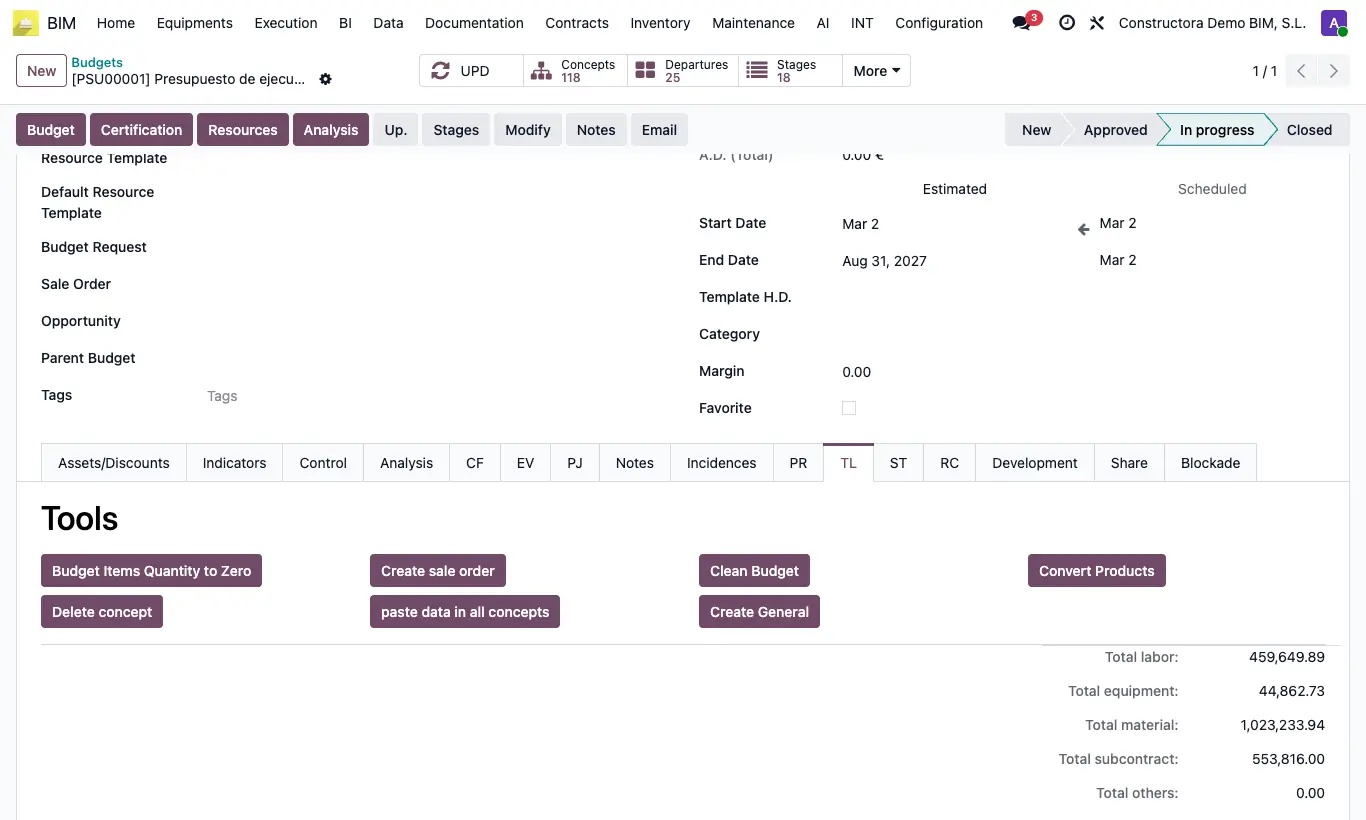
Where Budget › TL tab
Steps
- Open the budget and go to the TL tab.
- Clean Budget: check which resource types to delete (Labor, Material, Equipment, Function / Administrative) and/or Empty Concepts (chapters and items without children that have no manual price). Click Clean.
- Budget Items Quantity to Zero: sets the quantity of all items to zero and deletes their measurements.
- Delete concept: choose a Product and delete all the resources that use it.
- Click UPD when finished.
Warning
None of these actions can be undone. Save a history first or duplicate the budget.
Concepts with certifications cannot be deleted.
Site note
Budget Items Quantity to Zero records in the history who did it.