Steps
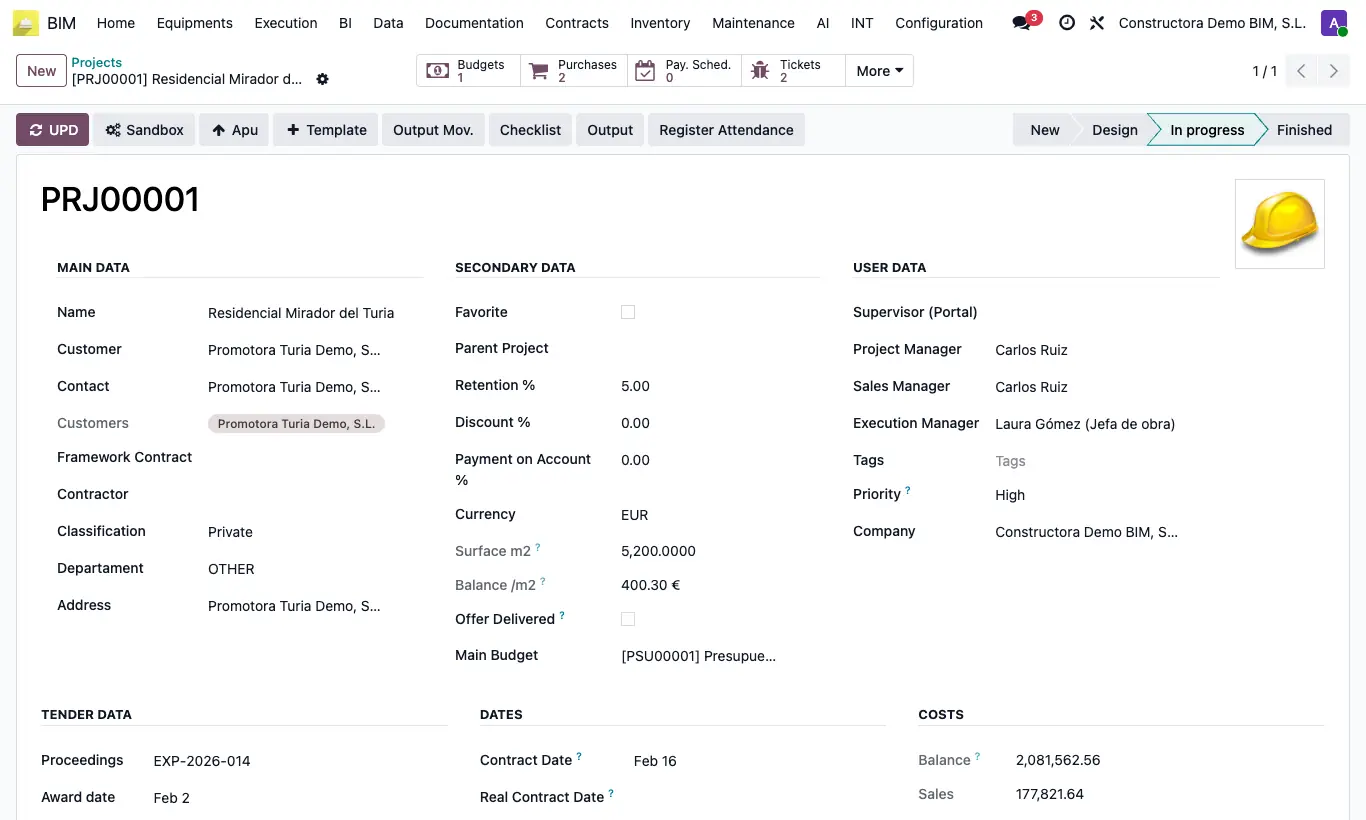
- At the top left are the action buttons: they run the steps of the process.
- At the top right is the status bar: it shows where the document stands.
- In the header, the smart buttons show a counter and open related items.
- At the bottom, the tabs group the details.
- The history records changes, notes and messages with author and date.
Site note
Changes are saved automatically when you leave the record. To undo them beforehand, use the discard icon next to the name.