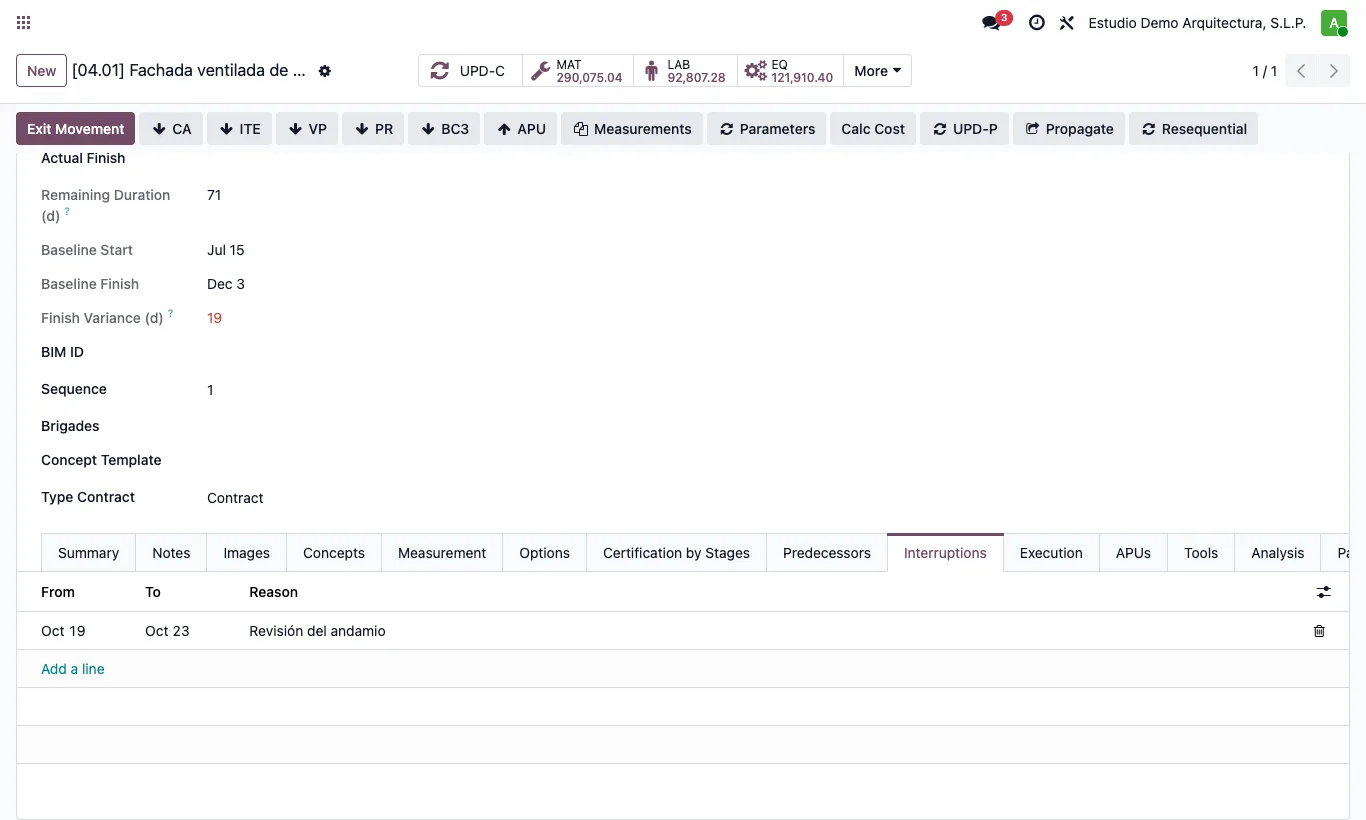
Where Item › Interruptions tab
Steps
- Open the item and go to the Interruptions tab.
- Add a line with the From date, the To date (empty for a single day) and the Reason.
- Save: the item keeps its duration in working days and its finish moves later.
Site note
In the Gantt the bar is shown split, with a dotted gap at the interruption.
Interruption days do not count for resource load or planned value either.