Where Purchase › Reporting
Before you start
Reports by lines profile (and access to the Purchase reports).
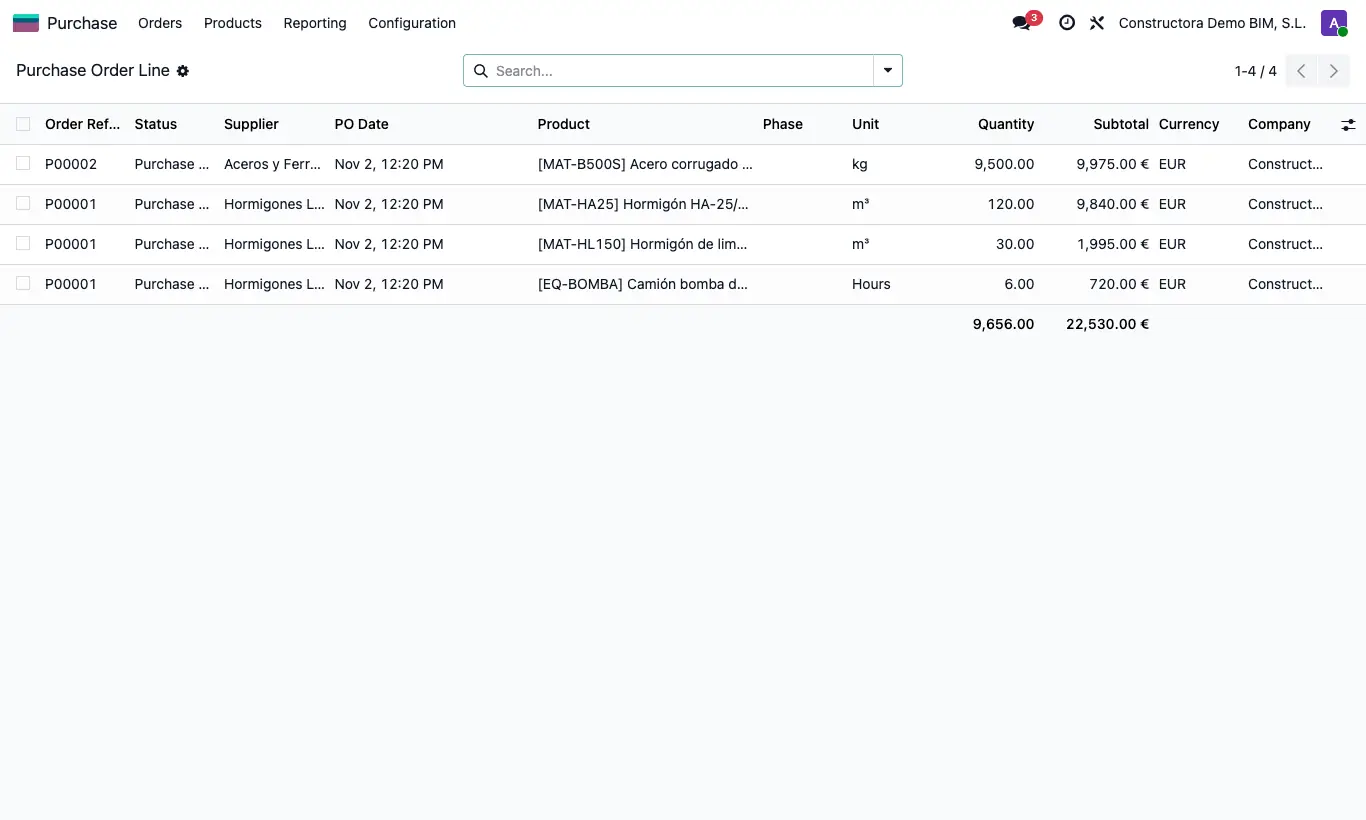
Steps
- Purchase Order x Line: each order line with quantity and subtotal; in optional columns, what is valued (Qty Valoration, Total Valoration, Qty Saldo, Total Balance) and what is invoiced (Qty Invoice, Total Invoice).
- Valuation x Line: each line of the valuations with its period, phase, quantity and subtotal.
- Delivery Note per Line: each delivery note movement with its state, type, quantity, cost and subtotal.
- Purchase Invoice by Line: each line of vendor bills and credit notes with budget, phase and subtotal.
- In any of them, group or filter and show columns with the columns icon at the end of the header.
Site note
They are query lists: they cannot be edited or deleted from there.