Where Budget › Scheduling tab › Tracking report
Steps
- Update progress and the Status Date.
- Click Tracking report in the Scheduling tab (or Print › Schedule Tracking Report).
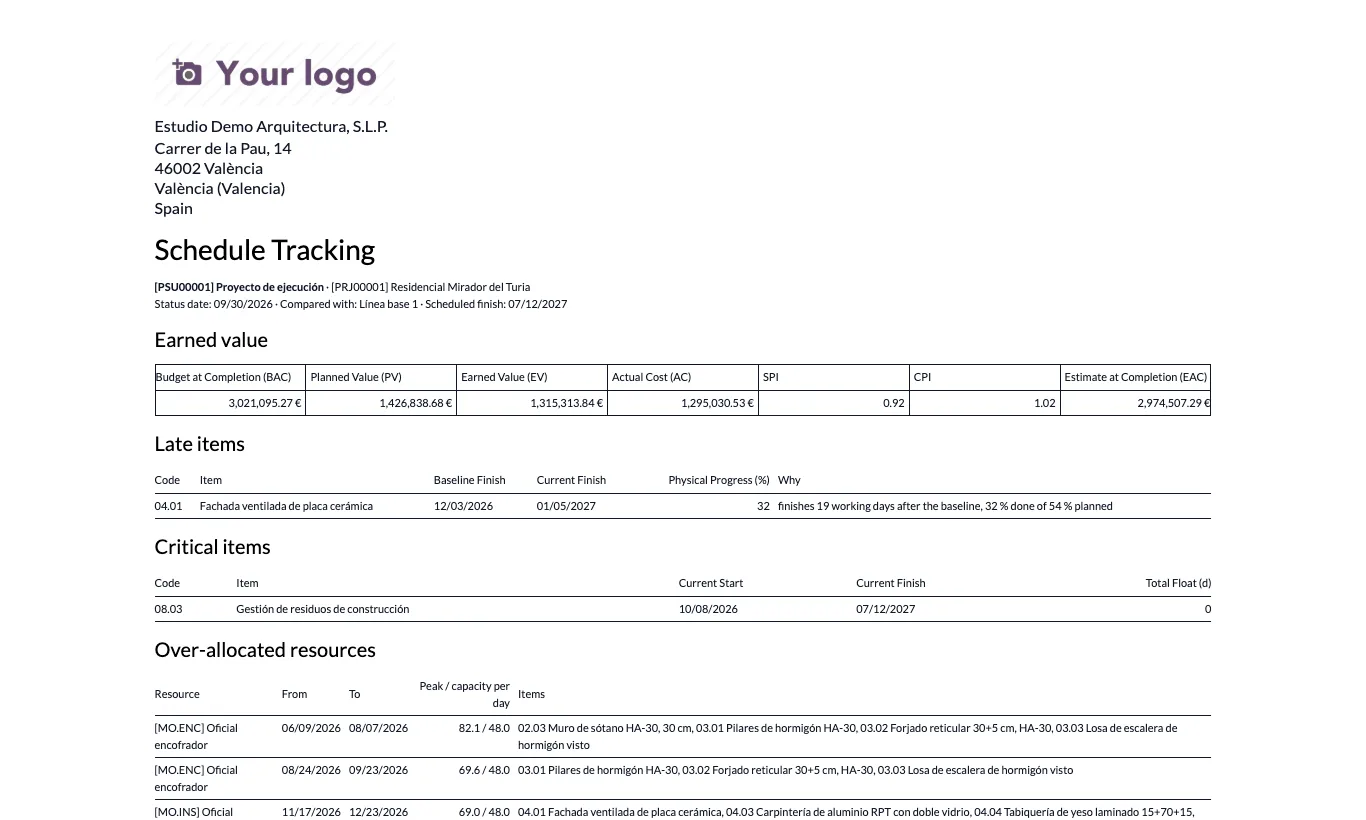
- The PDF includes earned value, the Late items with their reason, the unfinished Critical items and the Over-allocated resources.
Site note
An item is listed as late if it finishes later than in the baseline, if its progress is 5 points or more below plan at the status date, or if it has negative float.