Where BIM › Home › Projects › Budgets
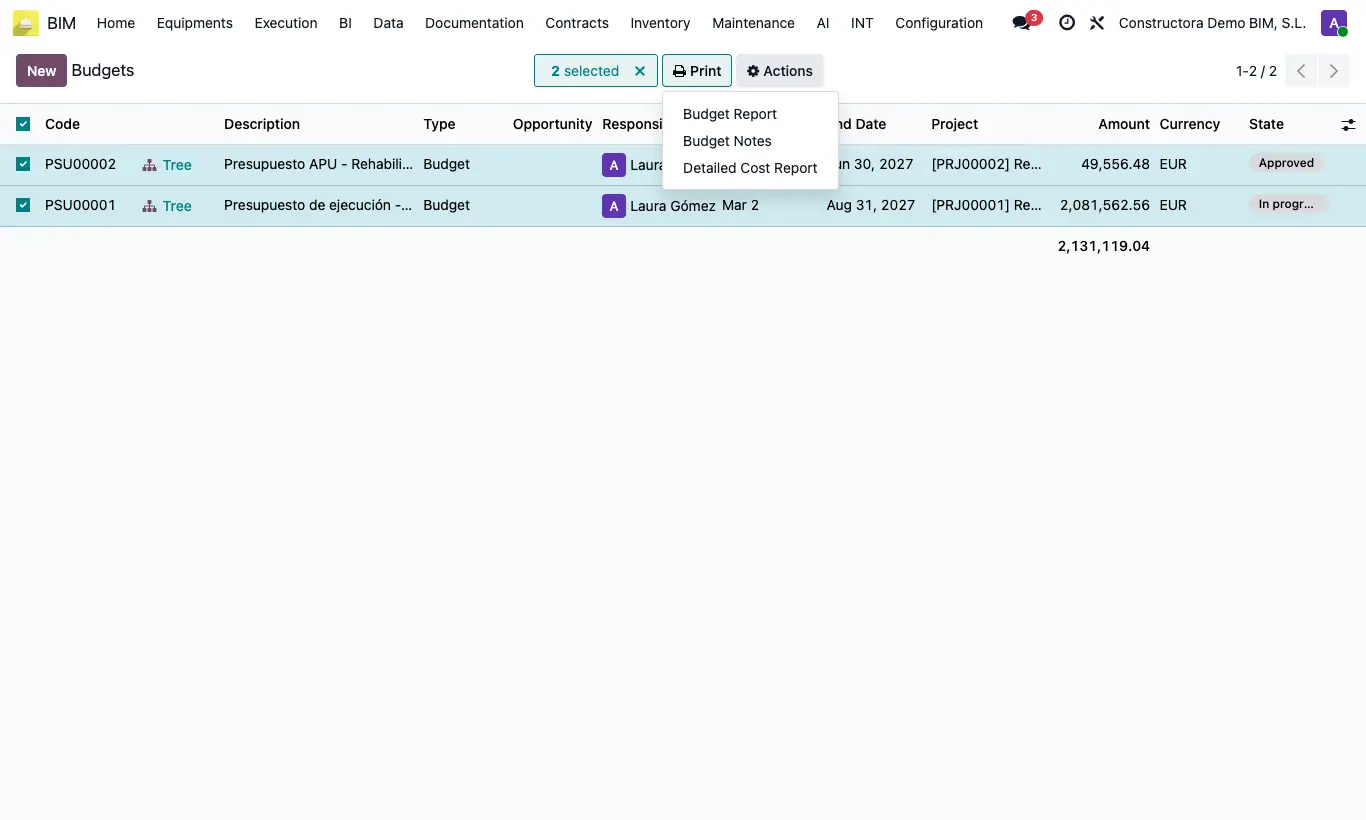
Steps
- Go to Home › Projects › Budgets and tick one or several budgets in the list, or open one.
- Open the Print menu and choose Detailed Cost Report.
- A PDF is downloaded with one section per budget: for each chapter and item, budgeted quantity and amount, actual quantity, cost and executed amount, and the difference.
- Under each item the actual amount is broken down by source: reports, attendance, invoices, delivery notes and opening balances.
Site note
Click UPD in the budget before printing so the budgeted figures are up to date.