Where Budget › Certification button
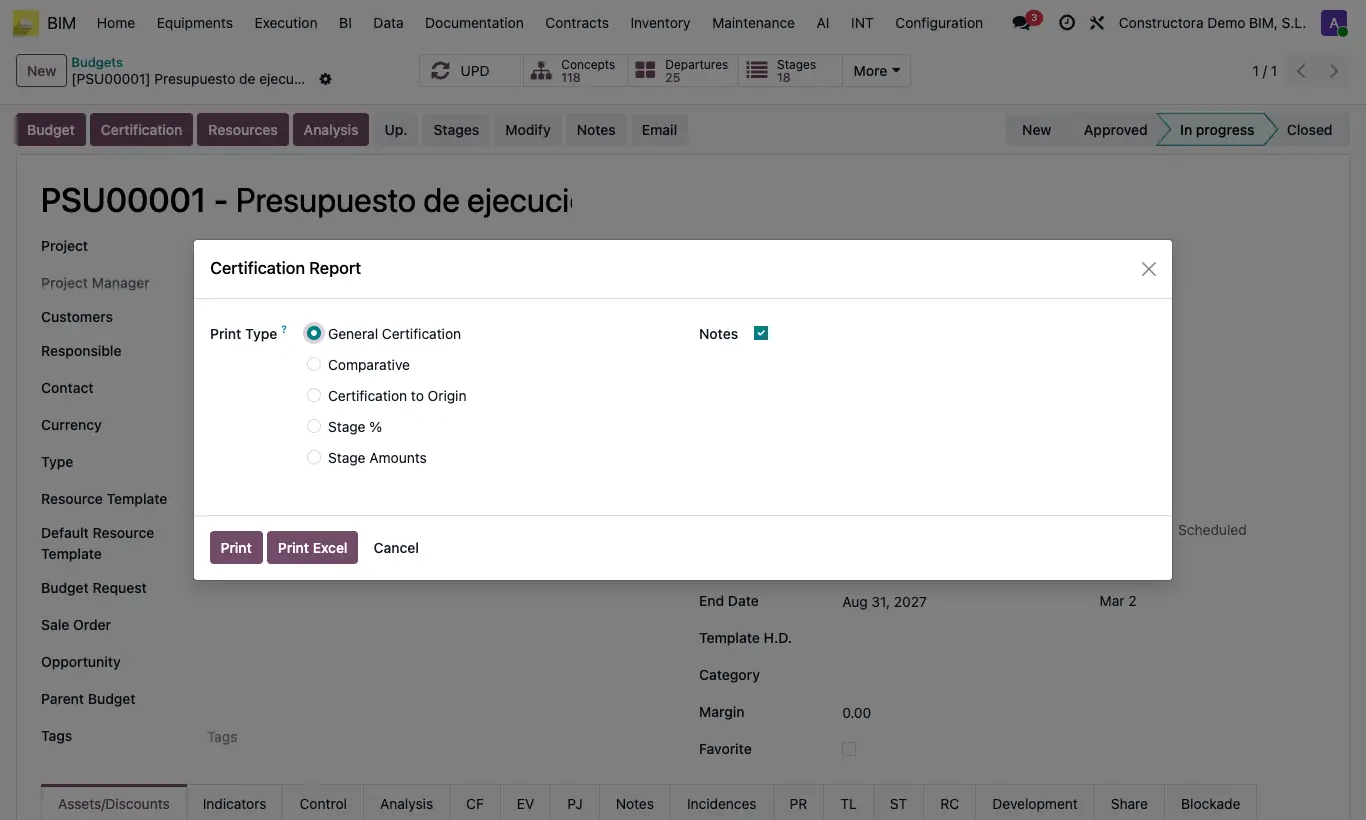
Steps
- Open the budget and click Certification. Accept the prompt to update prices.
- Choose the format: General Certification, Comparative, Certification to Origin, Stage % or Stage Amounts.
- Check Notes if you want to include the notes.
- Click Print (PDF) or Print Excel.
Warning
The stage formats only come out in Excel: with them Print does not appear.
Site note
From a validated or certified certification, the Certification Report button prints that specific certification.