Where Budget › Analysis button
Before you start
Stages generated (except for the purchase invoices report).
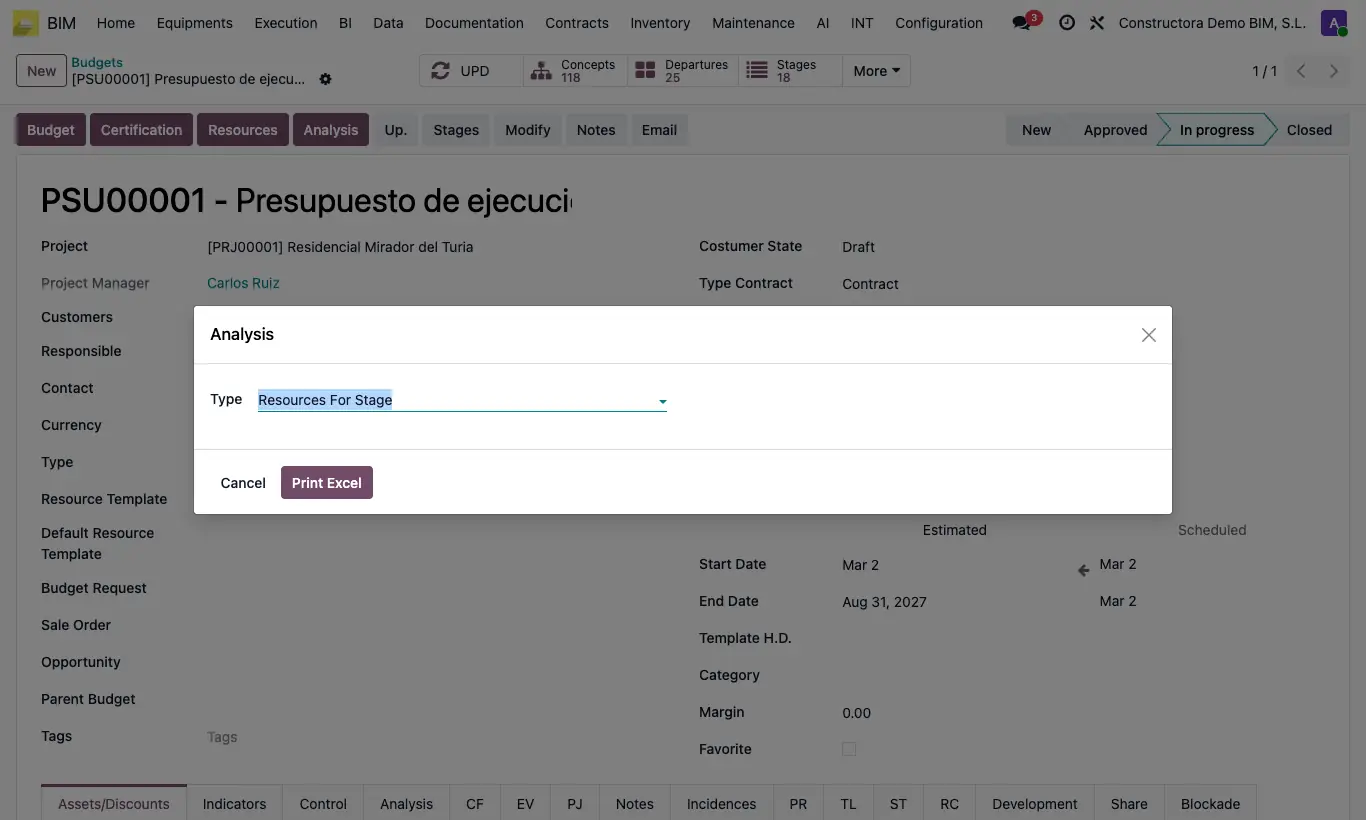
Steps
- Open the budget and click UPD.
- Click Analysis and accept the prompt.
- Choose the type: Resources For Stage, Amount of Resources by stages, General Cash Flow or Report by Purchase Invoice Lines.
- Click Print Excel.
Warning
If the budget has no stages, "El presupuesto no tiene etapas." appears. Create them with the Stages button.