Where Paidstate › Certification Index field
Before you start
Certification index profile.
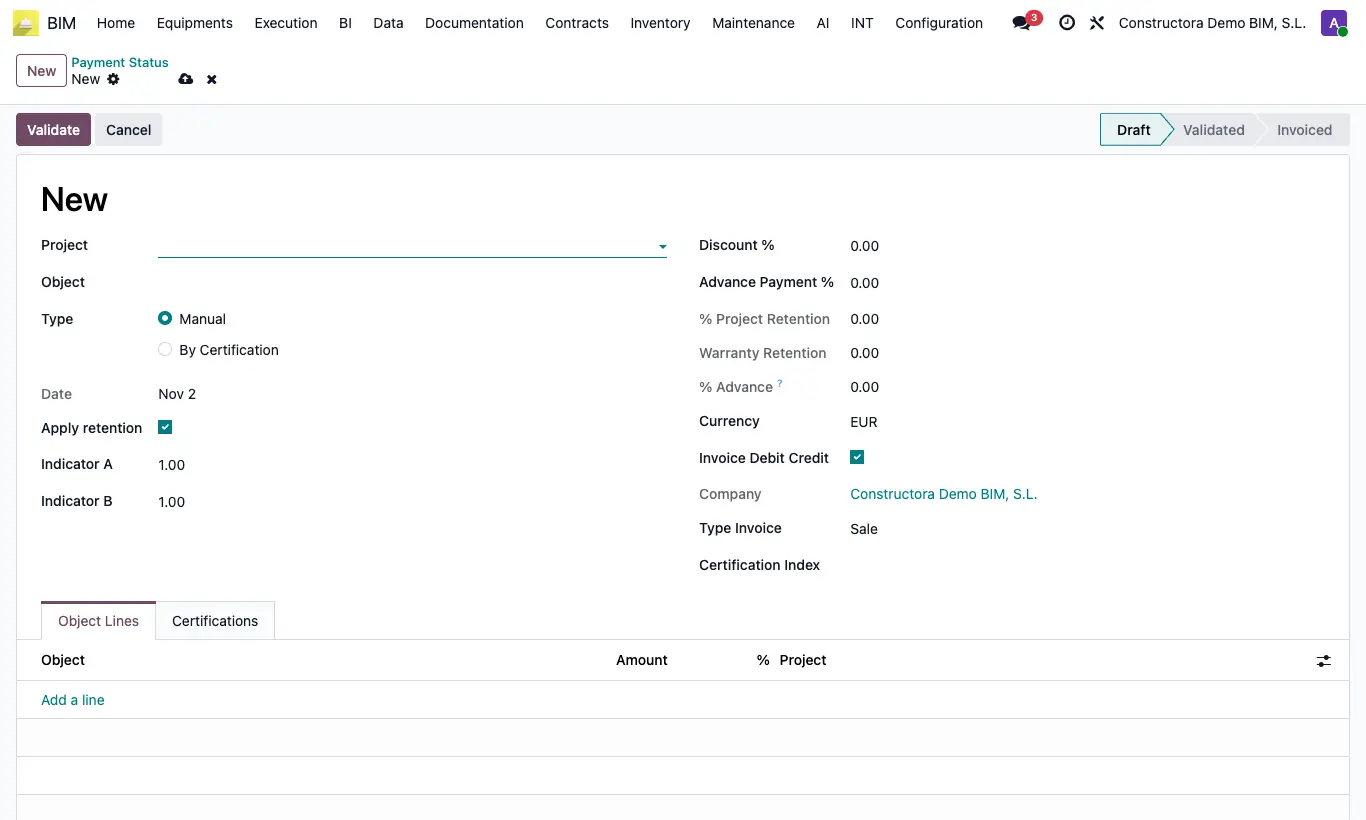
Steps
- Open a payment status in Draft. In Certification Index type the name and click Create and edit....
- Enter the Date (the month), the published Index and the Budget. Save.
- The Value is calculated automatically: index of the month ÷ index of the oldest date of the budget.
- When you choose the index, the payment status Indicator A takes that Value. When invoicing, the quantity of each line is multiplied by Indicator A.
- Create one index per month. From then on, Create Paid State on the certification applies only the index for the month of its certification date.
Warning
If the budget already has some index and the one for the certification's month is missing, Create Paid State stops with "No hay índice para este mes".