Where BIM › INT › Revit Budget Import
Before you start
BIM Integrations profile.
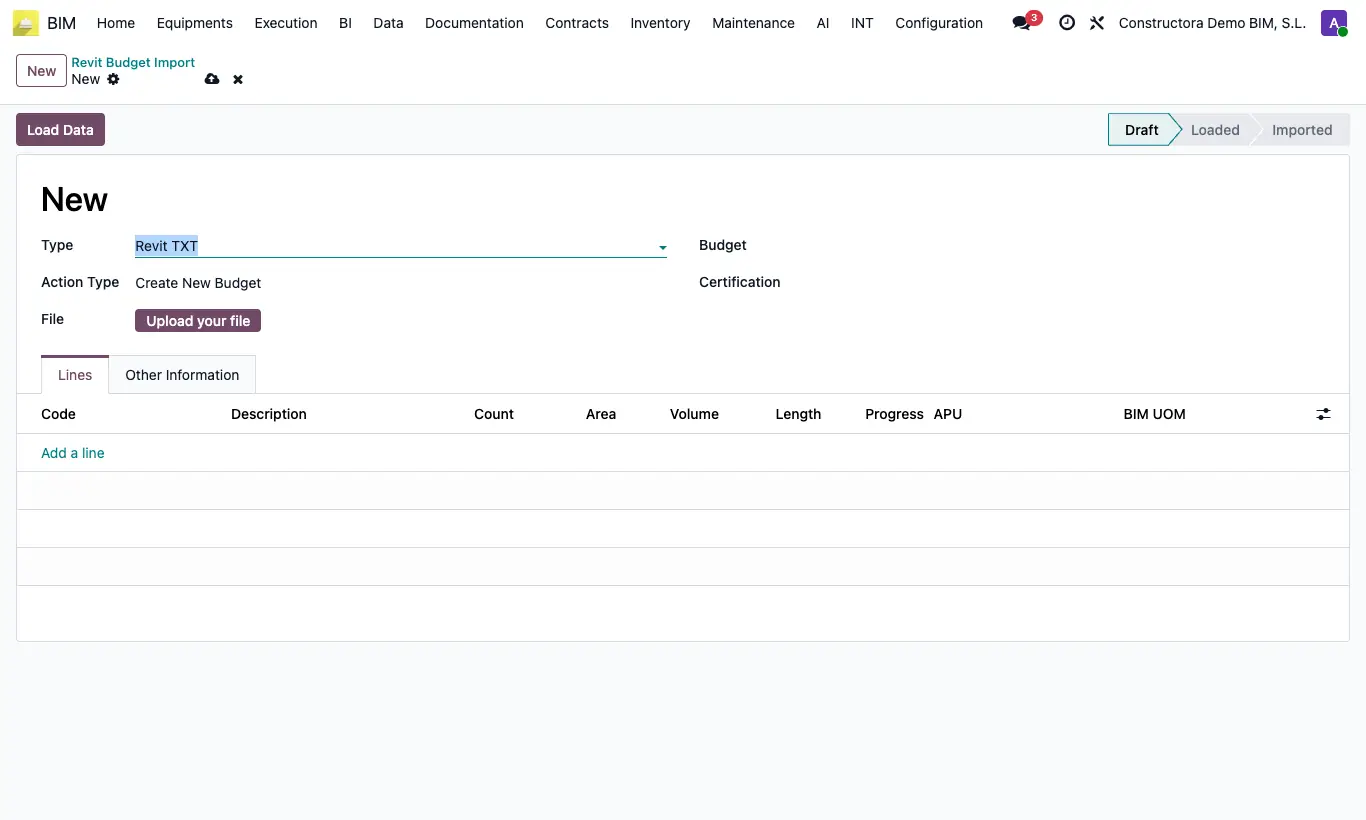
Steps
- In Revit, export the schedule to comma-separated CSV, with a header and seven columns in this order: Description, Assembly Code, Count, Area, Volume, Length, Advance.
- In each BIM 2.0 unit price, fill in BIM ID (same as the Assembly Code), BIM UOM and Bim Group.
- Go to INT › Revit Budget Import and click New.
- Upload the CSV and choose the target budget.
- Choose the action: create items or load progress into a certification.
- Run it and click UPD on the budget.
Warning
Rows whose Assembly Code does not match a BIM ID with a Group are skipped without warning.
Site note
Each group of the unit price becomes a chapter, and the quantity comes from the area, volume, length or count depending on the BIM UOM.