Where Budget › Update button › Bulk Resource Importer
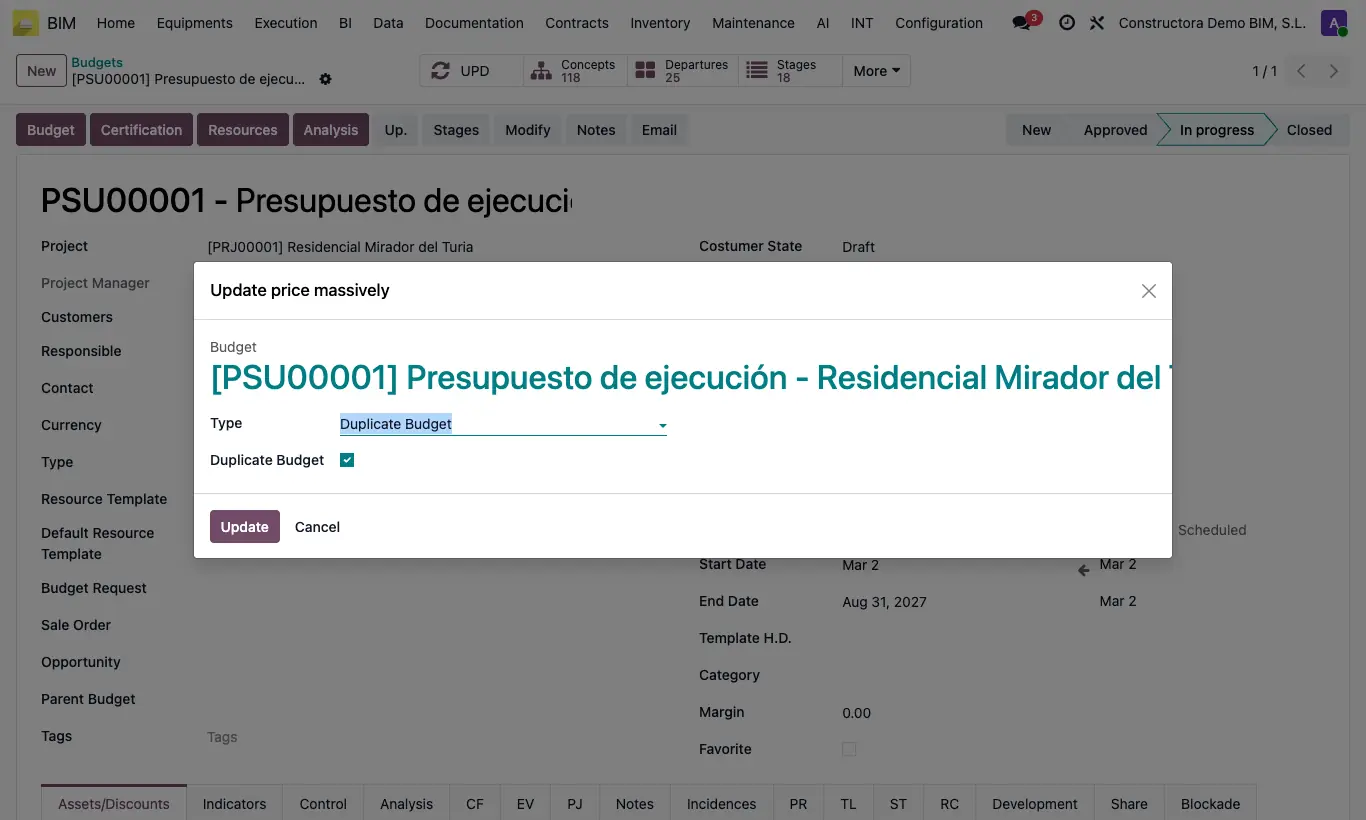
Steps
- Prepare an Excel file with these columns: A code, B nature, C unit, D description, E quantity and F price. The first row is the header.
- Put one row per item with its code in A and column B empty. Below it, one row per resource with its code in A, something in B (MO, MAT, EQUIPO…), the quantity in E and the price in F.
- In the budget, click Up. and choose Bulk Resource Importer.
- Upload the file in XLS 2000 File. Tick Validate Products if you want it to stop when a code does not exist.
- Click Update and then UPD.
Warning
Preferably use .xlsx. An old .xls file can only be read if the server has the xlrd library installed; otherwise the message "Old .xls files cannot be read because the xlrd library is not installed…" appears: save it as .xlsx.
The items must already exist in the budget with the same code. Otherwise their resources are created loose, without an item.
New resources with an empty or 0 quantity are ignored.
Site note
If the resource is already in the item, its quantity and price are updated. If not, it is created by looking up the product by its Default Code, with the type given by its Resourse Type.
If the price cell is empty, the new resource takes the product's Cost.