Where BIM › INT › Budget Importer › Importation job
Before you start
BIM Integrations profile.
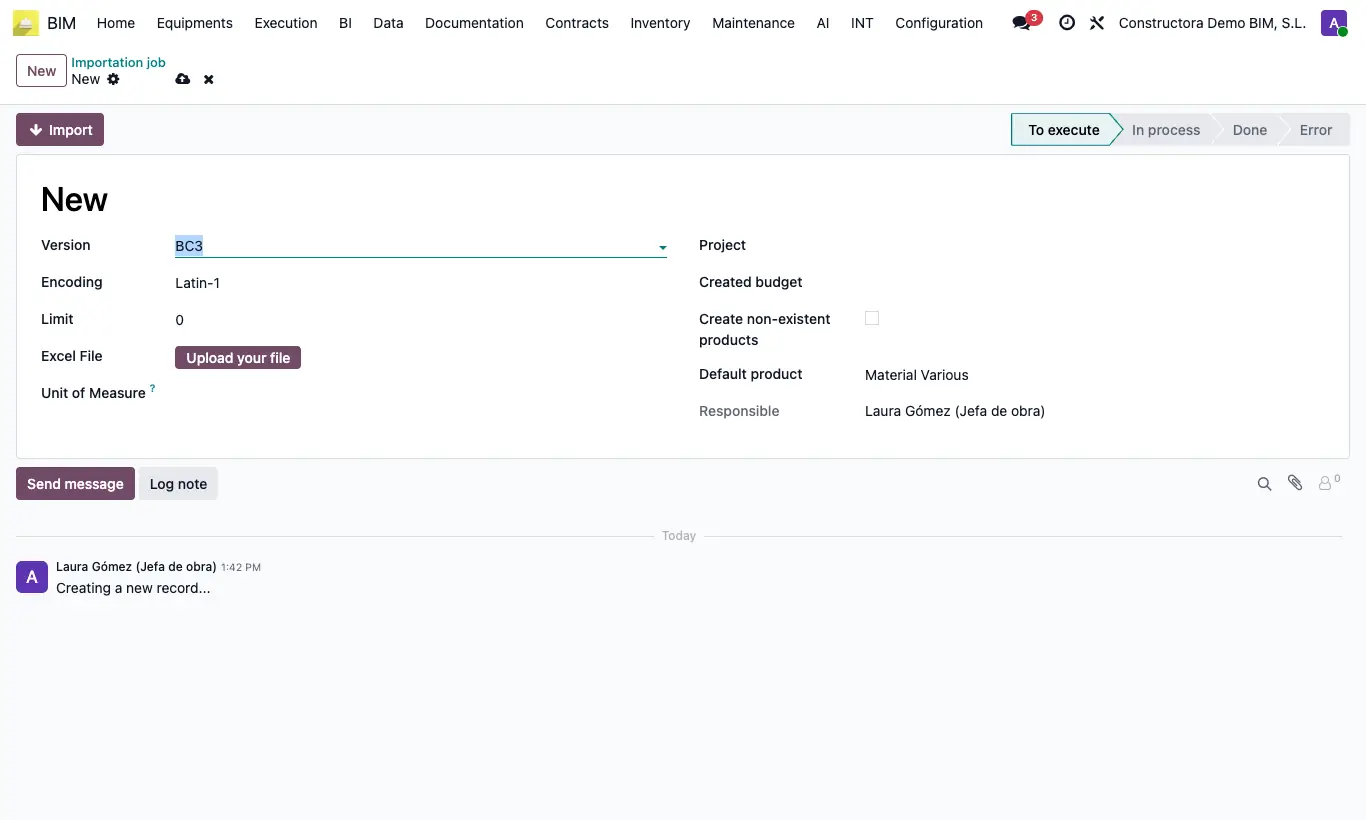
Steps
- In MS Project save the plan as XML (File › Save As › XML).
- Go to INT › Budget Importer › Importation job and click New.
- Choose Version: Project XML, the Project and, if you wish, an existing Budget; if you leave it empty a new one is created.
- Check Import Stages if you want to bring in the percent complete of each task.
- Upload the .xml and click Import.
- Open the Created budget, complete prices and resources and click UPD.
Warning
The file must have the .xml extension.
Site note
Tasks on the first two WBS levels are chapters; the deeper ones are items with quantity 1. Each one brings its start and end dates.
The level 1 task gives the budget its name.
With Import Stages a stage is created and each task's percent complete is certified in it.