Where BIM › INT › Budget Importer › Importation job
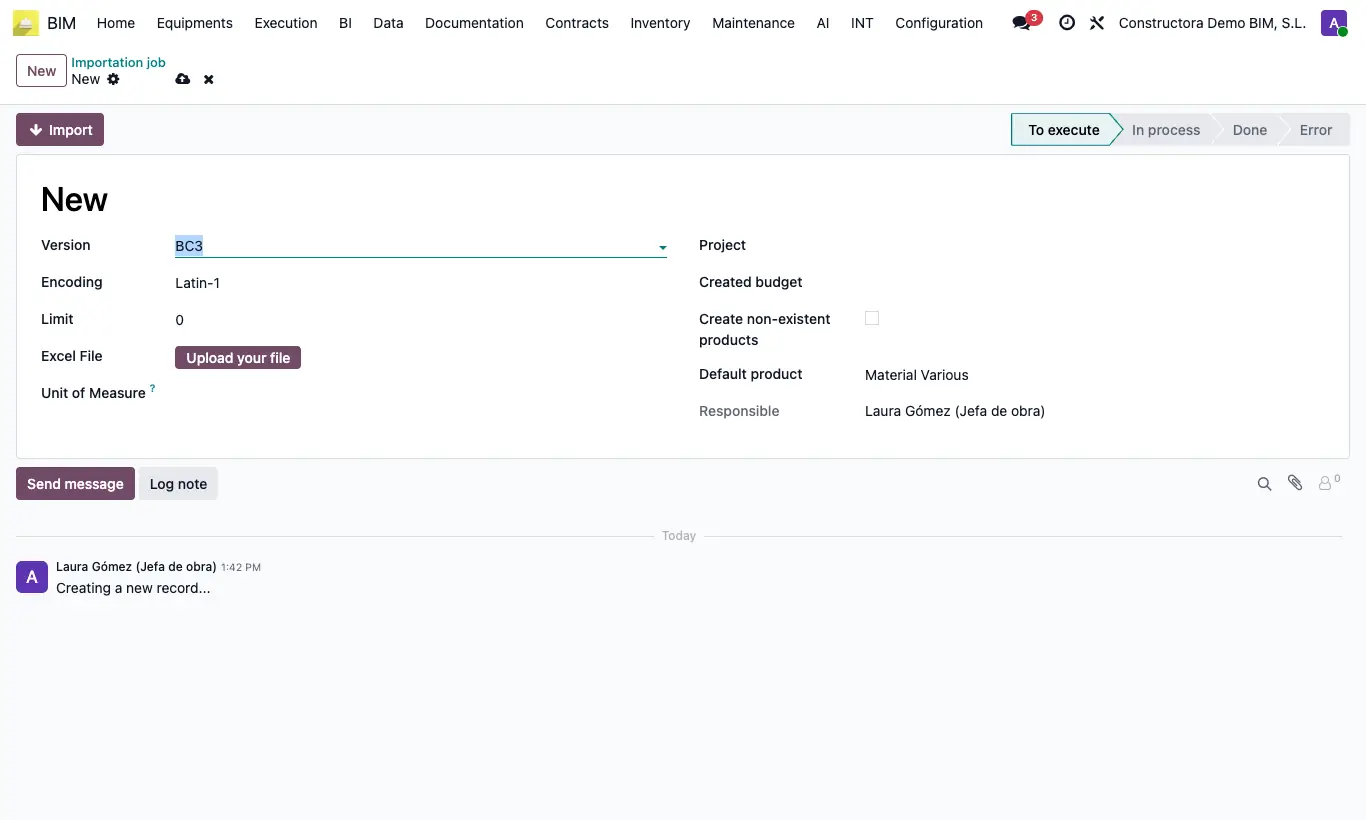
Steps
- Go to INT › Budget Importer › Importation job.
- Click New.
- Choose the Version (BC3, Excel template, Project XML...) and the destination Project.
- Check Create non-existent products to register the new resources.
- Upload the file and click Import.
- Check the total against that of the source program and click UPD.
Warning
The extension must be lowercase: .bc3. A .BC3 file is rejected; rename it first.
Site note
If you do not see the finished import, remove the To execute filter.