Where BIM › Execution › Daily Parts › Lost Hours
Before you start
Causes created in BIM › Data › Employees › Cause Lost Hour.
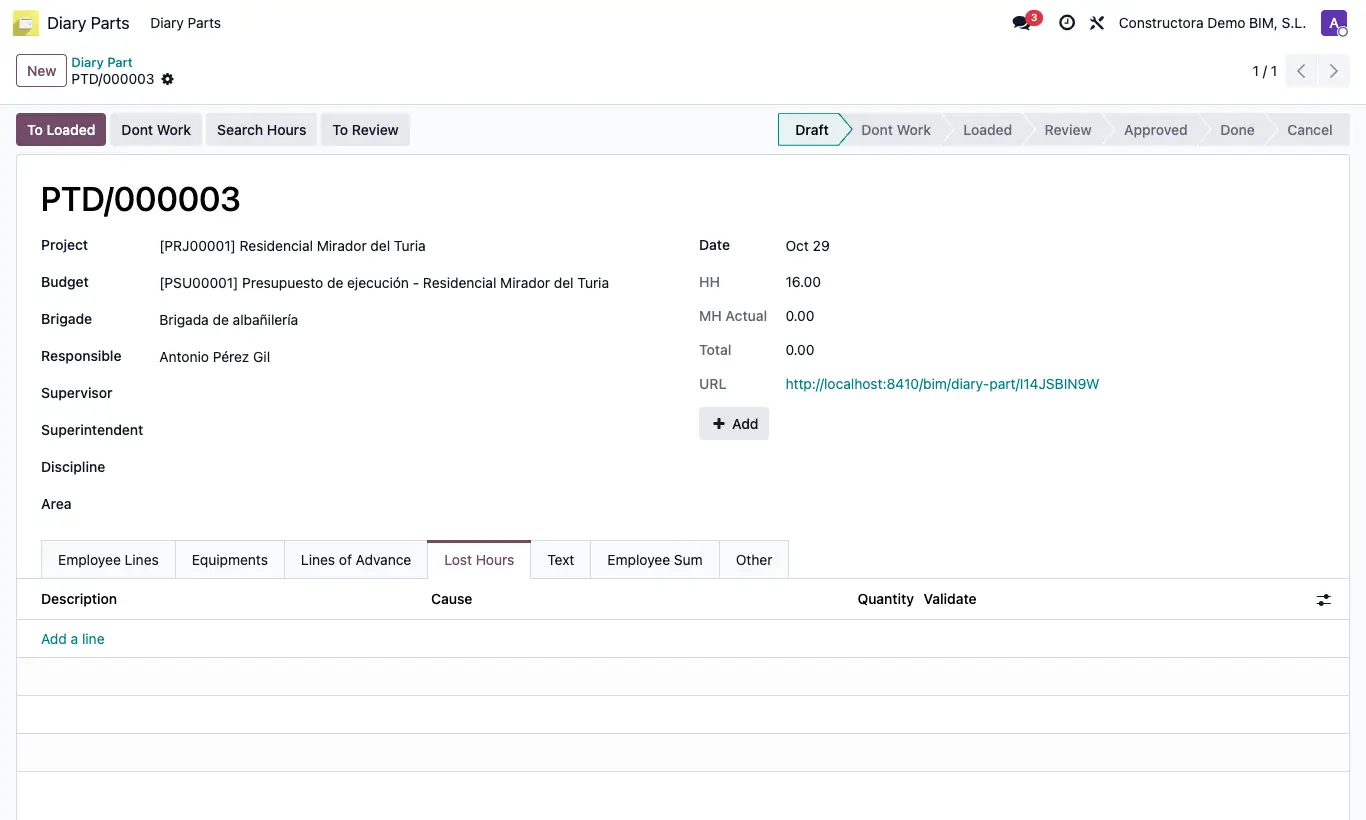
Steps
- In the daily report, open the Lost Hours tab and add a line.
- Enter the Description, choose the Cause and the Quantity of hours.
- In Validate leave Ok or tick Claim if the loss is attributable to someone else (customer, supply…).
- To analyse them, go to Execution › Daily Parts › Lost Hours: the claimed ones show in red.
- Switch to the pivot table view to see the hours by Cause, or filter and group by project or date.
Site note
From the menu they can only be viewed; lost hours are always created and edited inside the report.