Where BIM › Data › Costs › Extra Hour
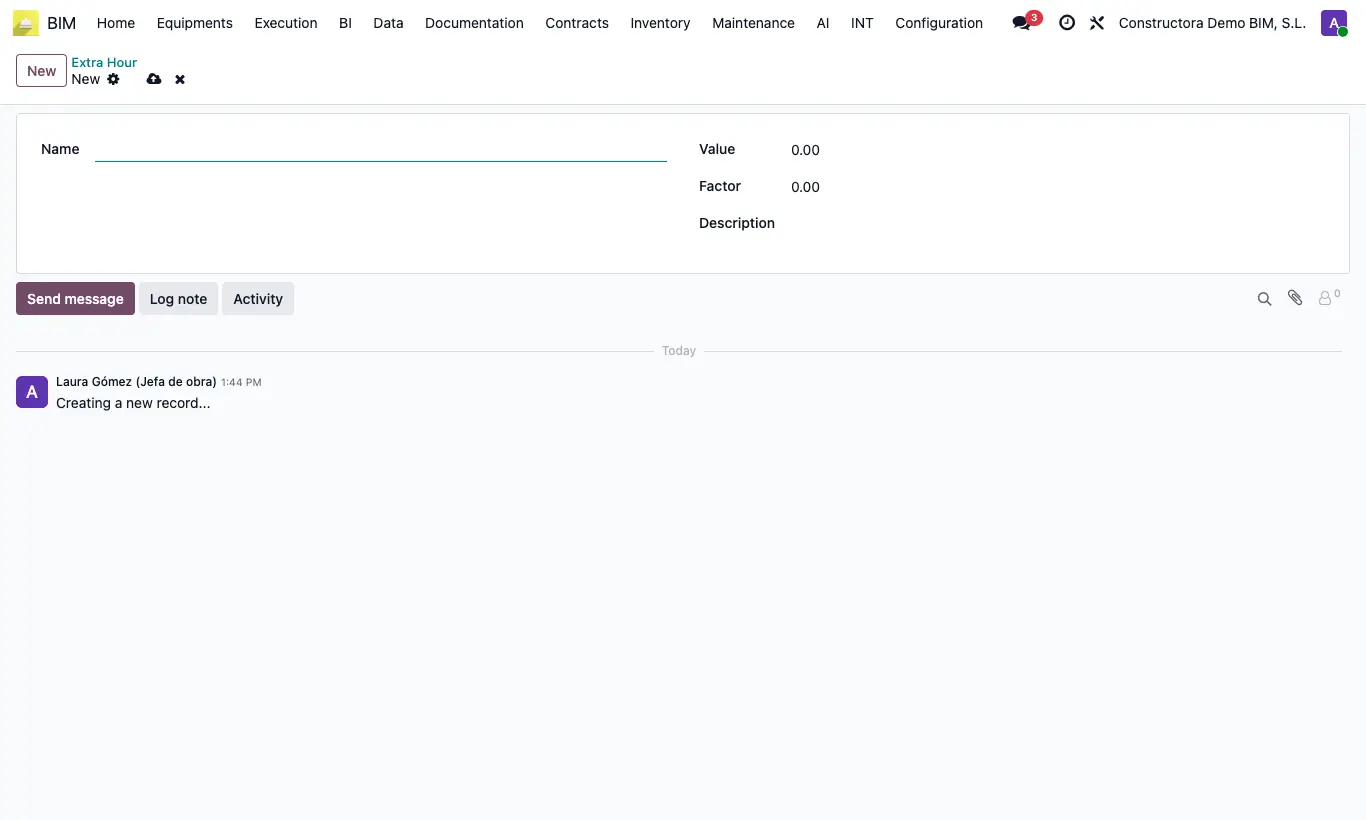
Steps
- Go to Data › Costs › Extra Hour and click New.
- Enter the Name and the Description.
- Set a Value if the hourly cost is fixed, or a Factor that multiplies the employee's Hour Cost (for example 1.5).
- Save. Choose the type in the Extra Hour field of the attendance or the allocation.
Warning
If Value is greater than 0 the value is used and the factor is ignored.