Where Budget › Budget History button
Before you start
BIM Administrator profile.
Steps
- Open the budget and click UPD so the amounts are up to date.
- Click the Budget History button.
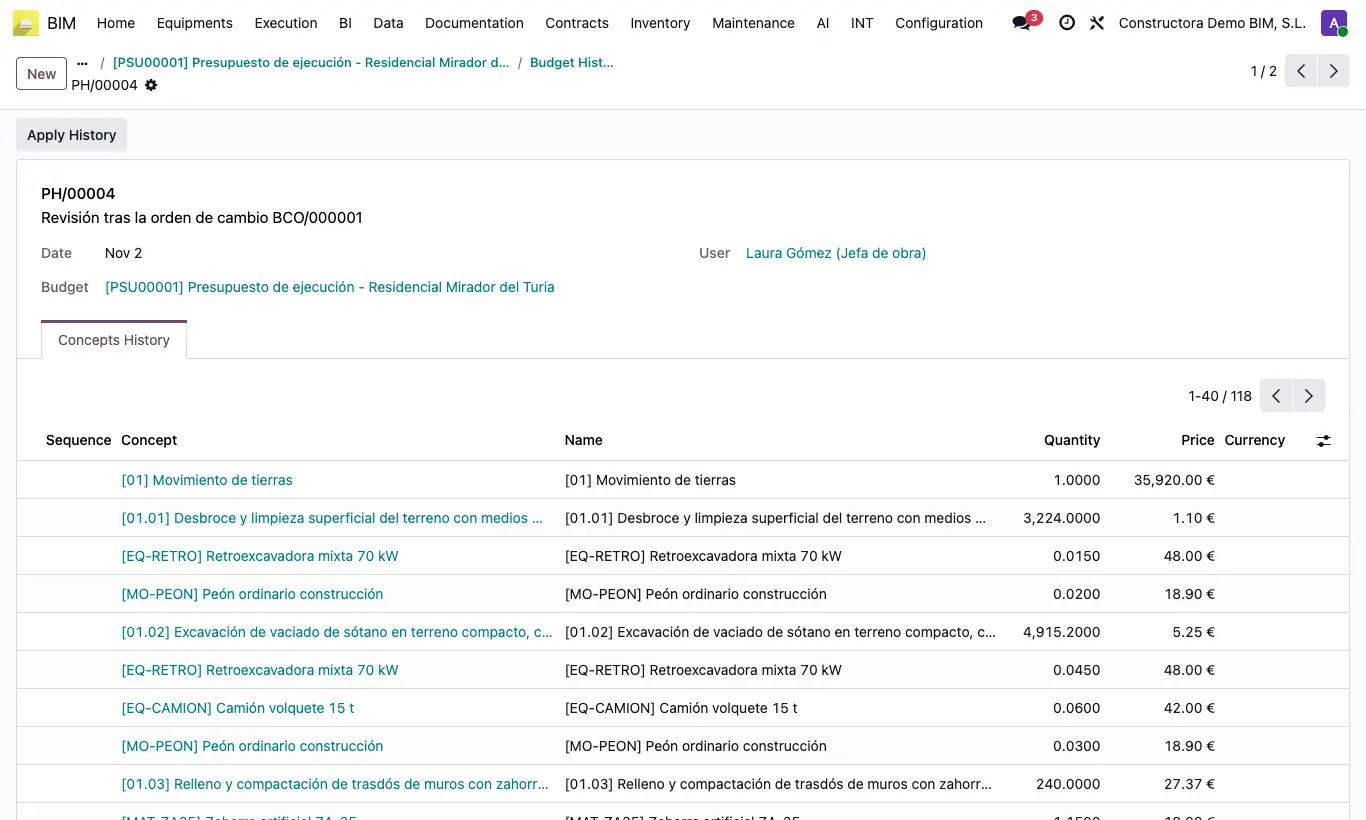
- Click New. The Description proposes "Version" and today's date; change it if you wish (for example, "Initial offer").
- Save. The totals (labor, equipment, materials, others, certified, assets) are recorded and, in the Concepts History tab, the quantity and price of each concept.
Site note
Save a history before every important change: negotiation with the customer, an adjustment with the Modify button, a bulk price update...