Where Item › APU button
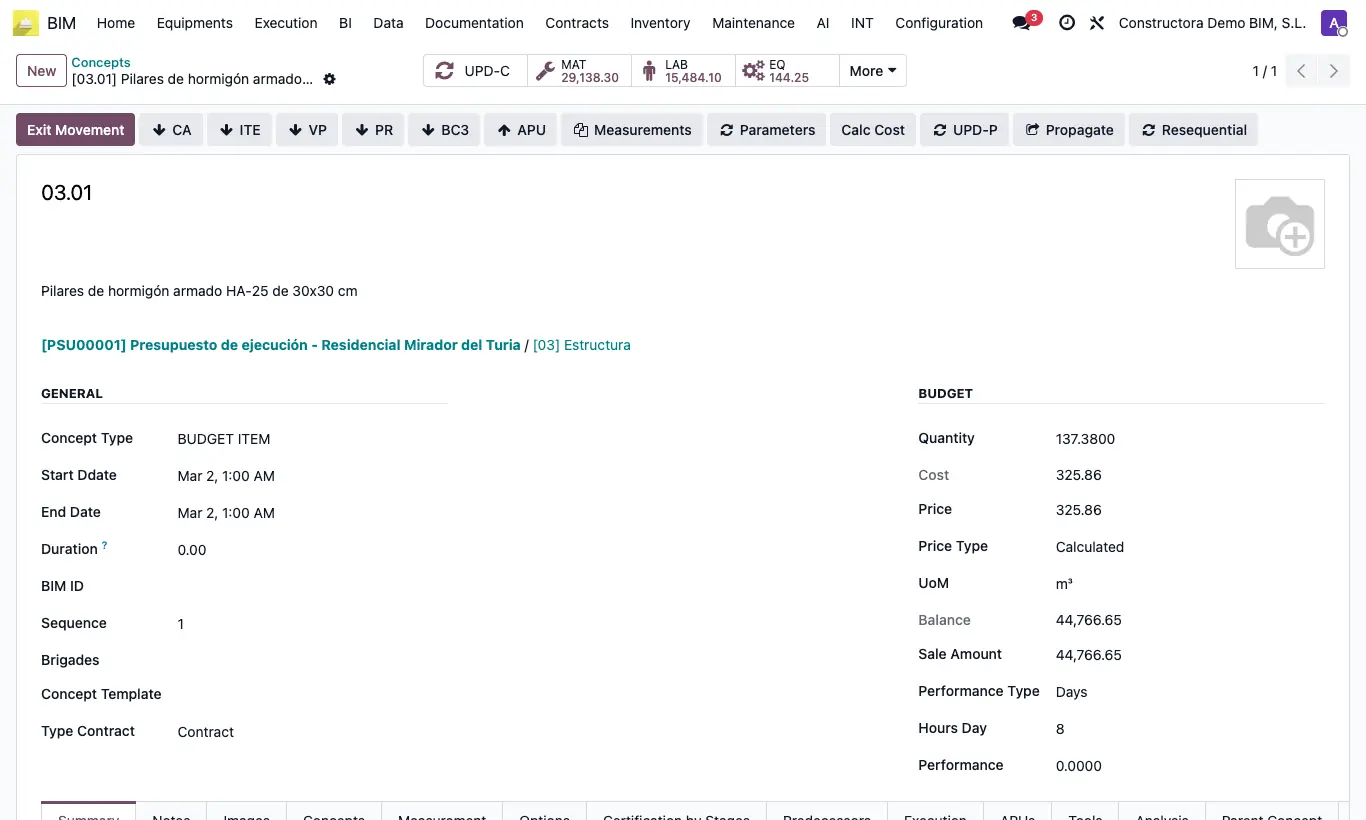
Steps
- Open the item in the budget.
- Click APU. It is saved in Data › Concept Template with its resources.
- Classify it with Group and Sub Group.
Warning
The code must be unique. If an identical one already exists, the program warns you and does not overwrite it.
Site note
You can also create them by hand with New in the list, or from a BC3.
Update Prices refreshes the amounts with the products' current prices.