Where BIM › Data › Concept Template › Concept Template Group
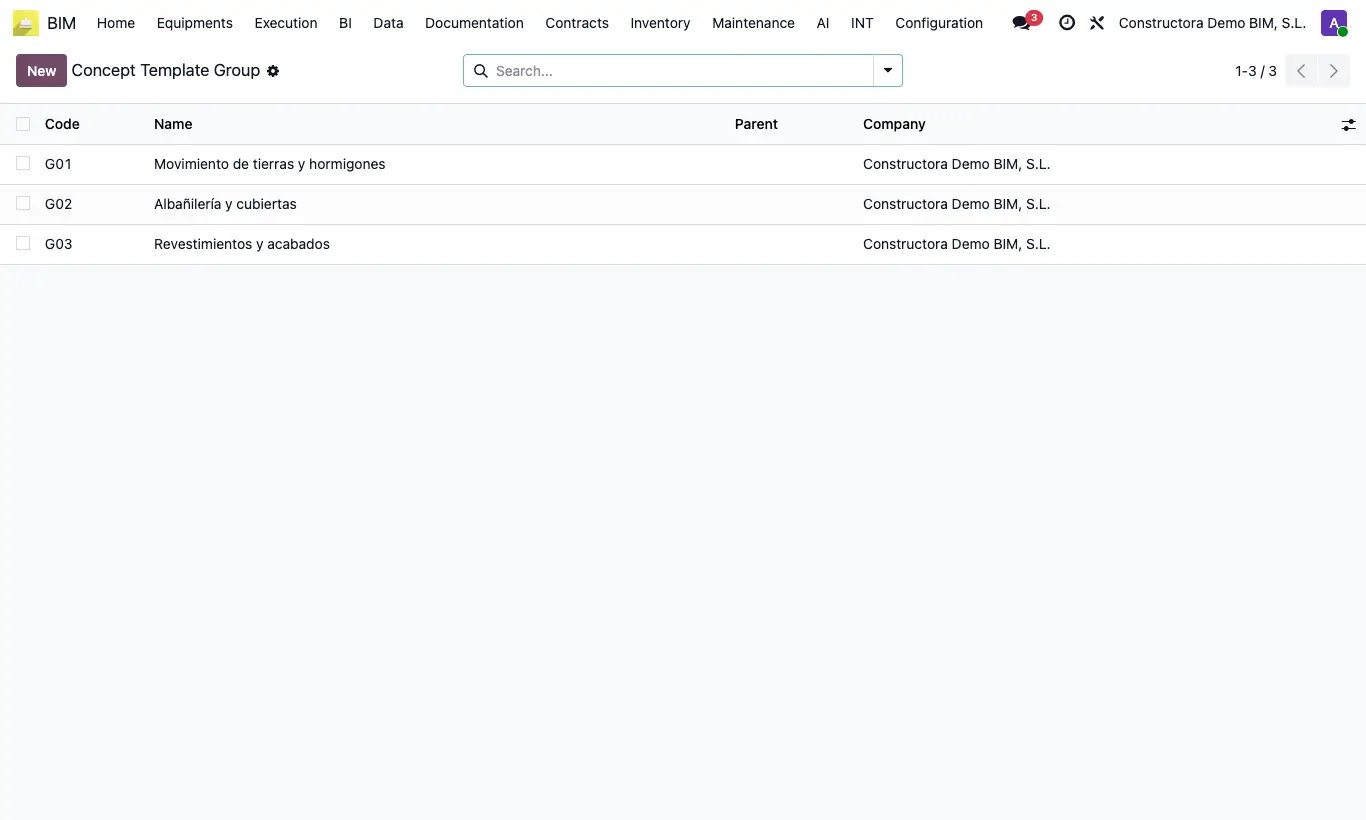
Steps
- Click New and type the group code and description in the header.
- Leave Parent empty for a group. For a subgroup, choose its group in Parent.
- Save and repeat for each group and subgroup.
- In each unit price assign Group and Sub Group: the unit price Code is proposed with that of the subgroup (or the group).
- When loading items with Apply Concept Template, filter by Group and Sub Group and, if you wish, create the chapters with Insert group and subgroup as chapter.
Warning
There are only two levels: a subgroup can only hang from a group with no parent.
If you change the Group of a unit price, the Sub Group that does not belong to it is cleared on saving.
A group in use cannot be deleted.
Site note
You can update at once the prices of all unit prices of a group with Update bulk concepts templates by Concept Template Group.