Where Inventory › Products › BIM Product Group
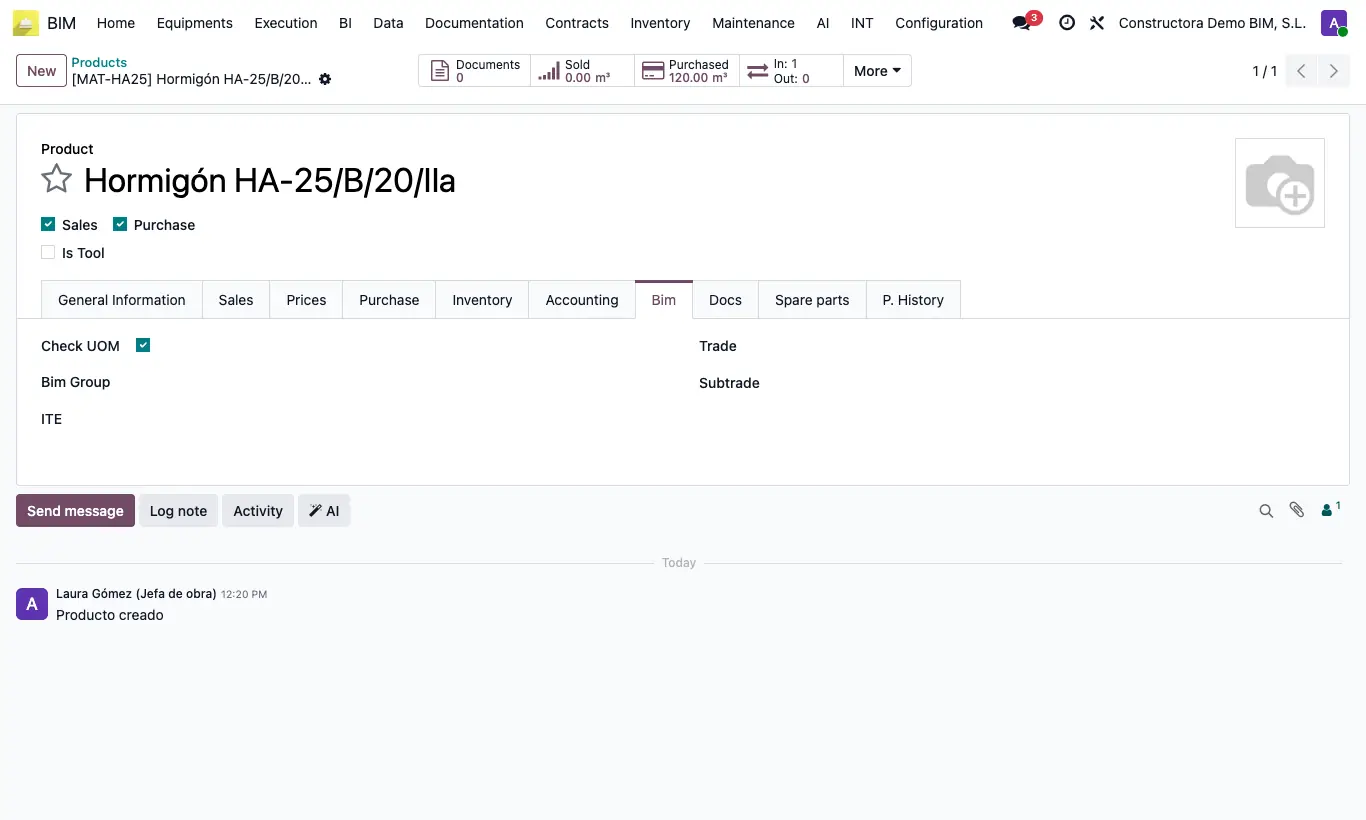
Steps
- Go to BIM Product Group and create the groups with their Code (number) and Name.
- Open the product, Bim tab, and choose the Bim Group.
- Leave the internal reference empty and save.
- The first product in the group gets the code followed by zeros up to 7 digits (code 12 → 1200000); the following ones, the next number.
Warning
If the group has references with letters that start with the code, the numbering fails on saving.
Site note
It is also at BIM › Inventory › BIM Product Group.