Where BIM › Execution › Cash Flow › Cash Flow Generator
Steps
- Click UPD on the budget and check that it has stages.
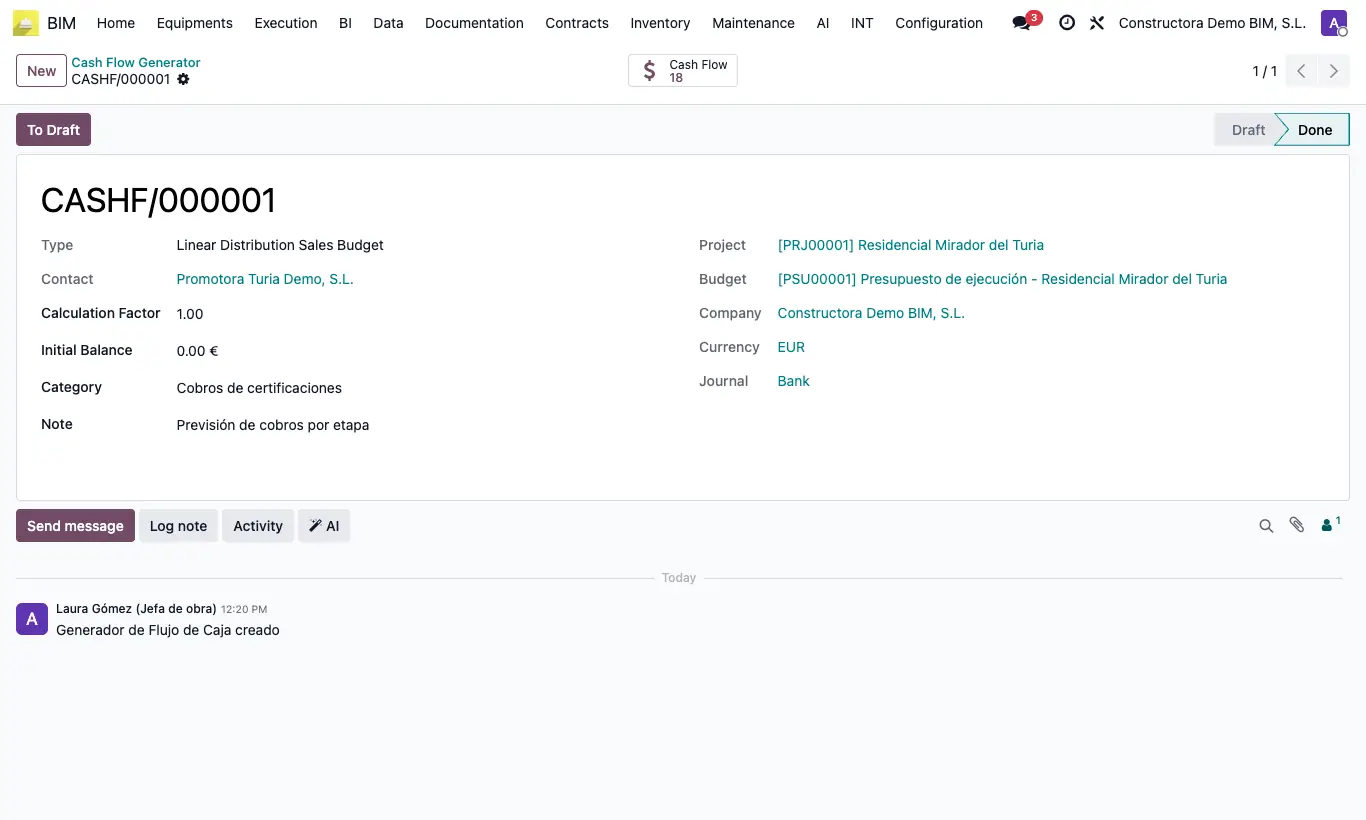
- Go to Execution › Cash Flow › Cash Flow Generator and click New.
- Choose the generator type.
- Enter the project, the budget and the partner (required).
- Run it and review the lines with the Cash Flow button.
- Repeat with a second generator: normally one for income and another for expenses.
Site note
The Calculation Factor multiplies the amounts to simulate scenarios (1.10 = 10% more).