Where BIM › Contracts › Contract Generator
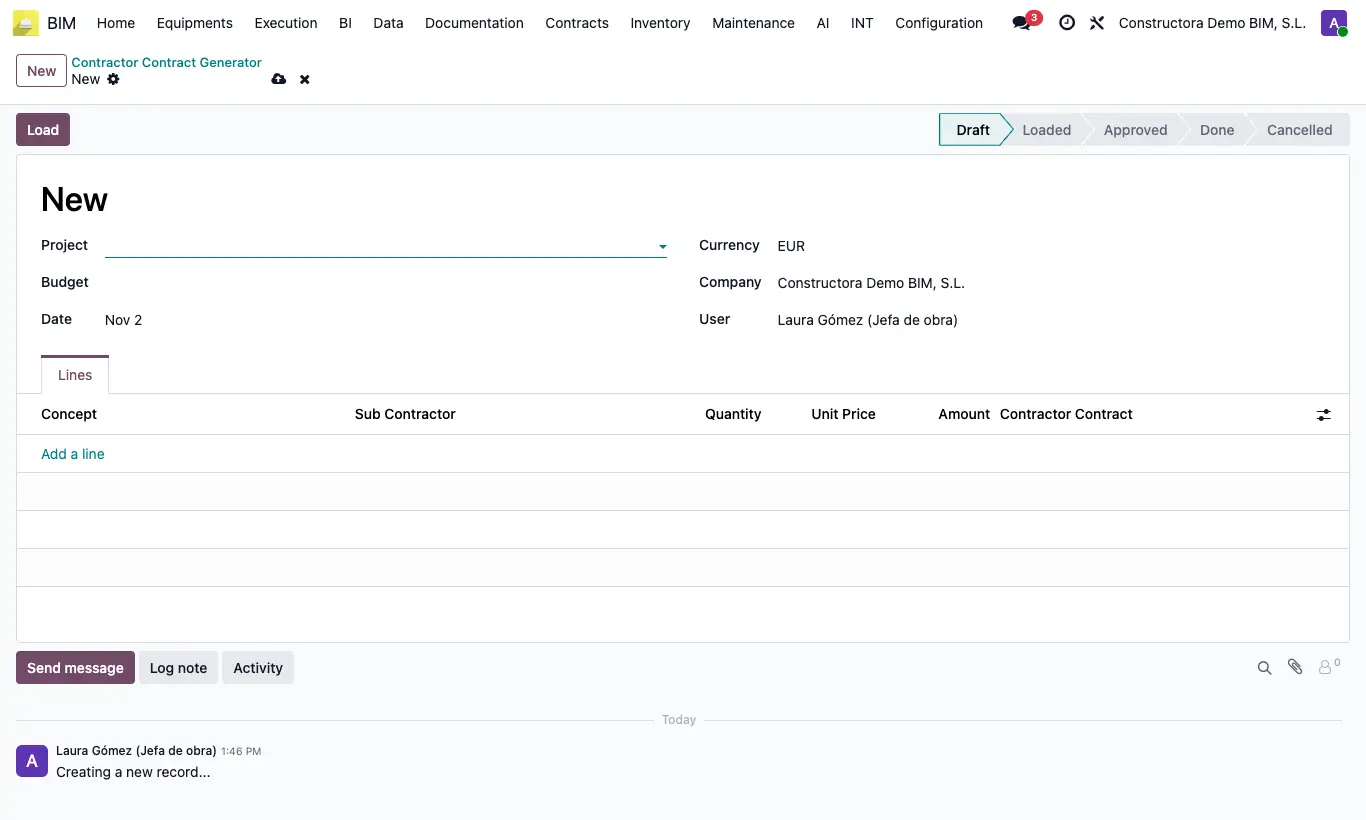
Steps
- Click New, choose the Project, the Budget and the Date.
- Click Load: one line appears per item with its Quantity and Unit Price from the budget.
- On each line choose the Sub Contractor and adjust quantity and price if what was agreed is different.
- Click Approve and then Done.
- A draft contract is created per subcontractor with their items; the Contractor Contract column on each line takes you to it.
Warning
If any line has no subcontractor you get “You must select a contractor for each line”. Delete the items you will not subcontract.
If the subcontractor already has a draft contract, the items are added to that contract, even if it belongs to another project.