Where BIM › Data › Budget templates › Formulas
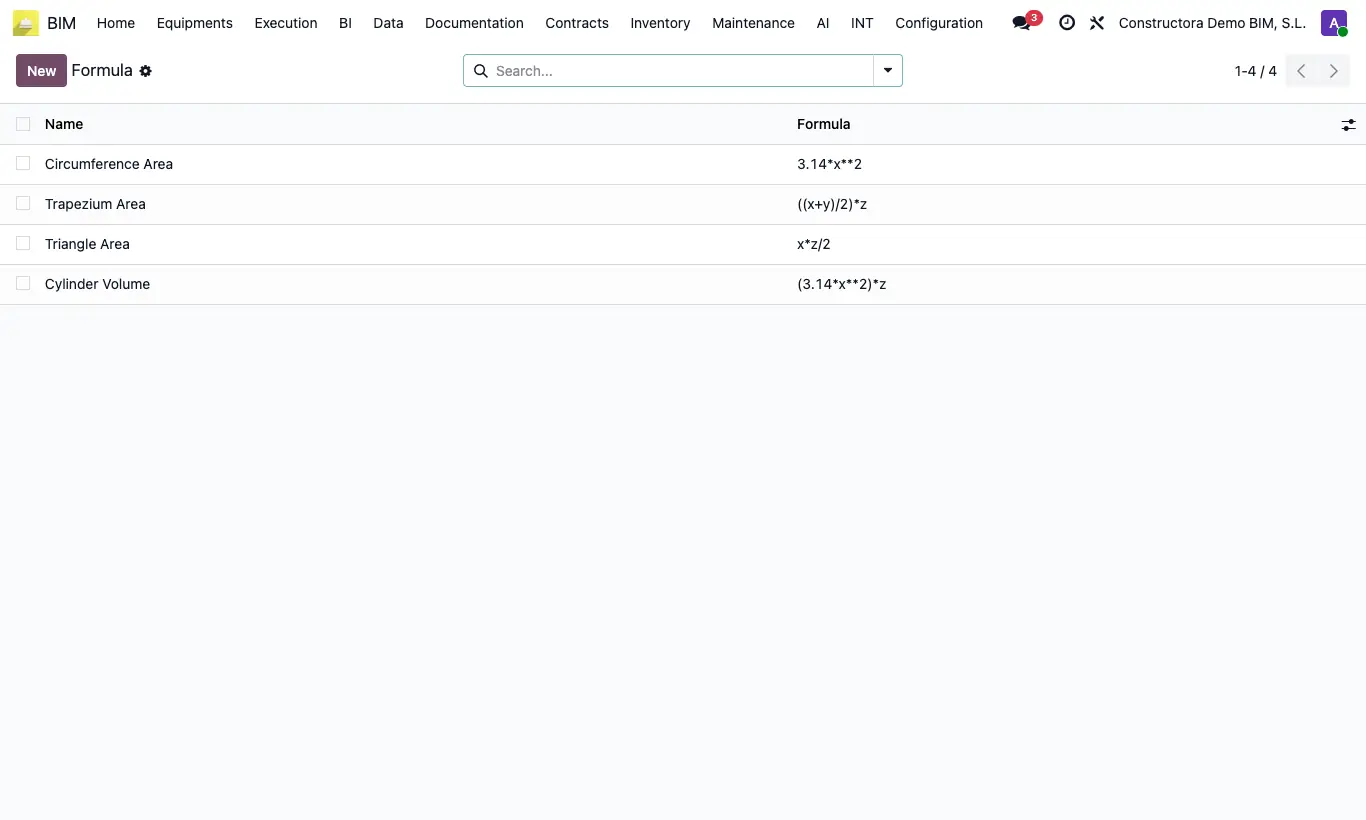
Steps
- Click New.
- In the header, write the formula using x (length), y (width) and z (height), for example (x+y)/z or pi*pow(x,2)*z, and the description to its right.
- Save.
- In the item, Measurement tab, choose the formula in the Formula column of the line.
- The Subtotal becomes Quant (N) × the result of the formula with Length (X), Width (Y) and High (Z).
Warning
If the formula is badly written, the line shows the error "There is an error in the formula".
With a formula, an empty dimension counts as 0 (without a formula it counts as 1): fill in all the ones the formula uses.
Site note
To square a value use pow(x,2). For the number π write pi. The decimal separator is the dot.
You can also write b, c and d instead of x, y and z.
In the Formula column each formula appears as formula=description, for example pi*pow(x,2)*z=Round pile.