Where Purchase › Orders › Orders
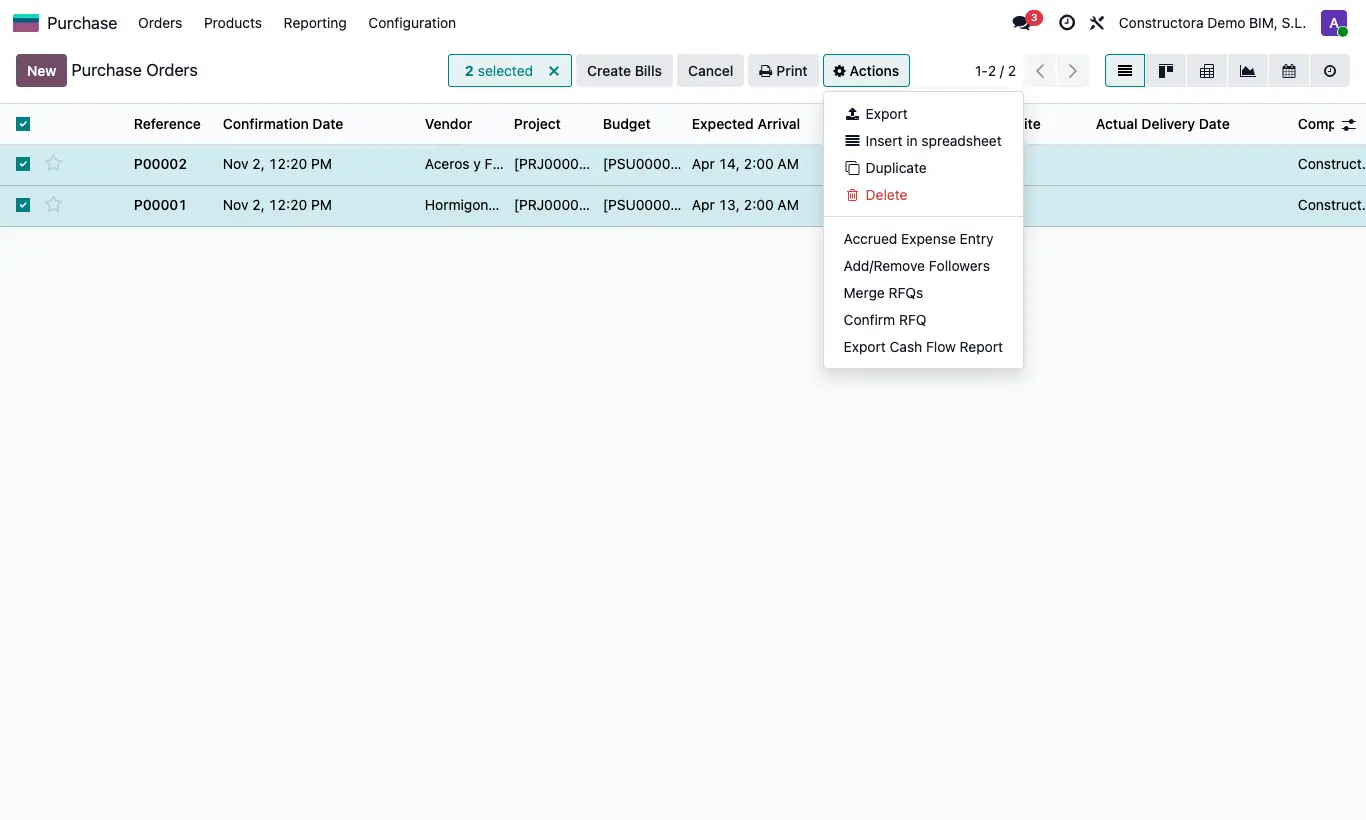
Steps
- In the order list select the ones you want.
- In Actions choose Export Cash Flow Report.
- Open the Excel file: per order you will see amount, date, vendor, payment method, invoices and, by month, the amount and the % scheduled.
Site note
The months come from the dates of the scheduled payments and the order's invoices.