Where BIM › INT › Budget Importer › Export
Before you start
BIM Integrations profile.
Steps
- Open the budget and click UPD.
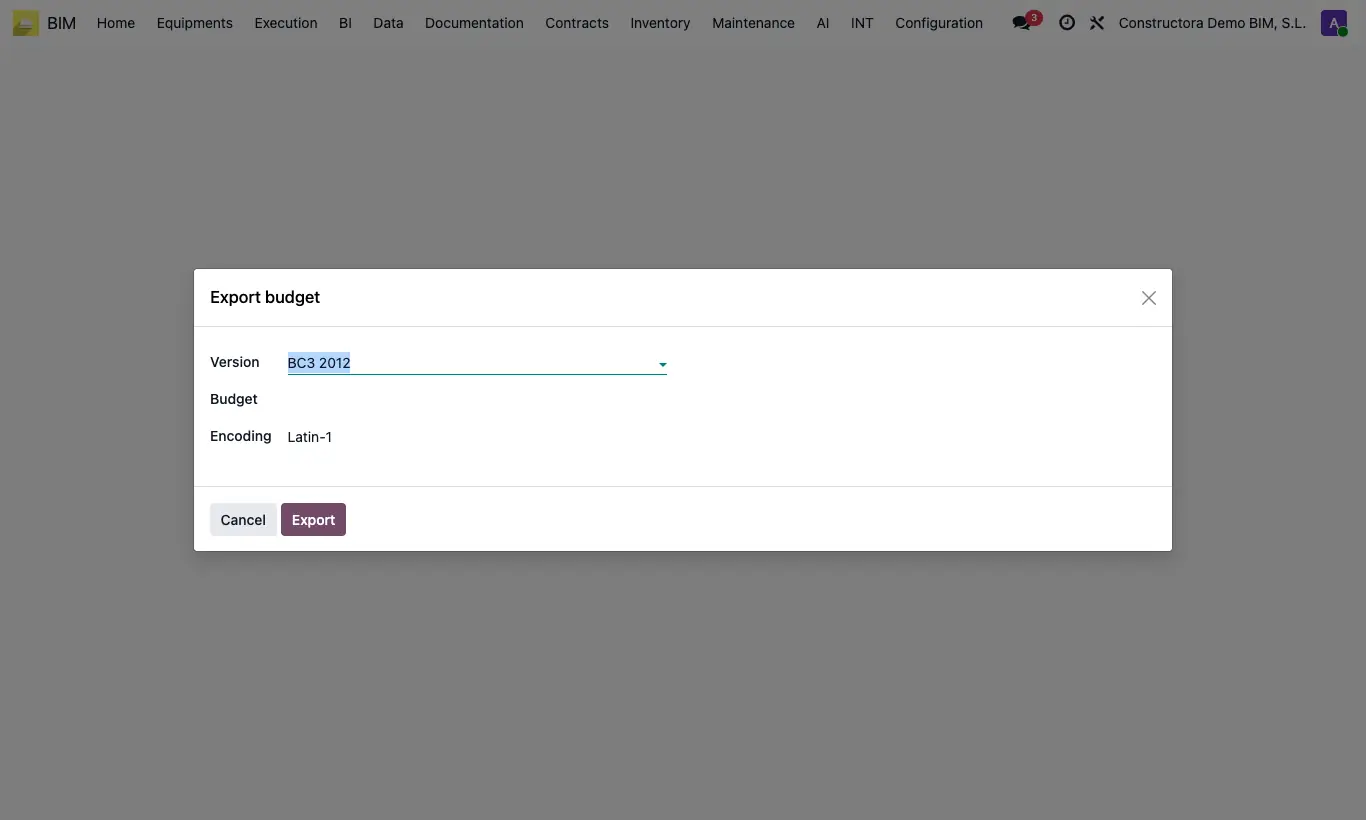
- Go to INT › Budget Importer › Export.
- Leave Version as BC3 2012 and choose the Budget.
- In Encoding choose Latin-1 (usual in Spanish programs) or UTF-8.
- Click Export: the .bc3 file is downloaded and attached to the budget.
Site note
Chapters, items, resources, quantities, prices and measurement lines are exported.
If the destination program shows accents wrongly, export again with the other encoding.