Where BIM › Data › Attendance › Attendance
Steps
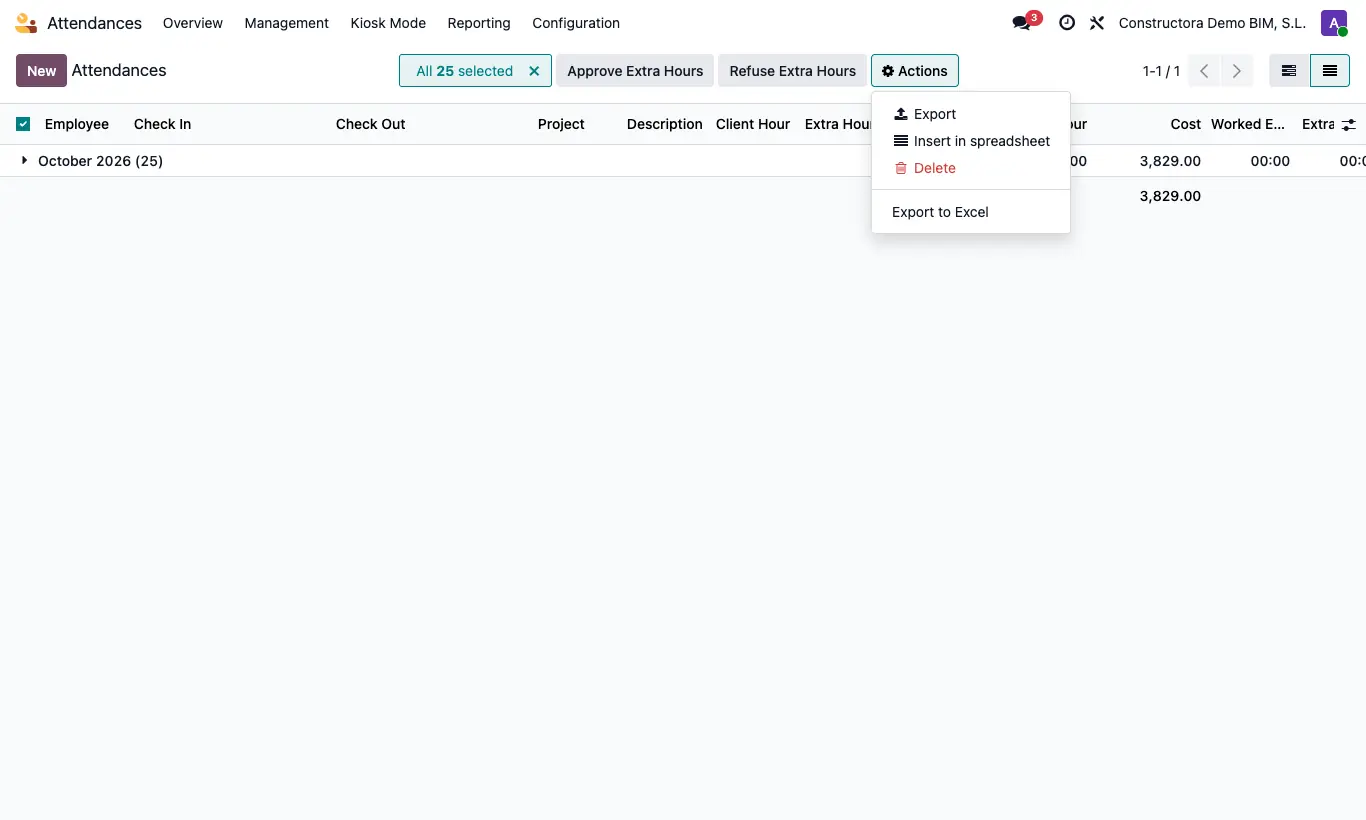
- Go to Data › Attendance › Attendance and filter the ones you want.
- Select them with the checkboxes in the list.
- Click Action › Export to Excel.
- Leave Export Format on Basic Excel and click Export.
Site note
The file comes sorted by employee and date, with the times in your time zone.