Where BIM › Home › Certifications › Project Estimate
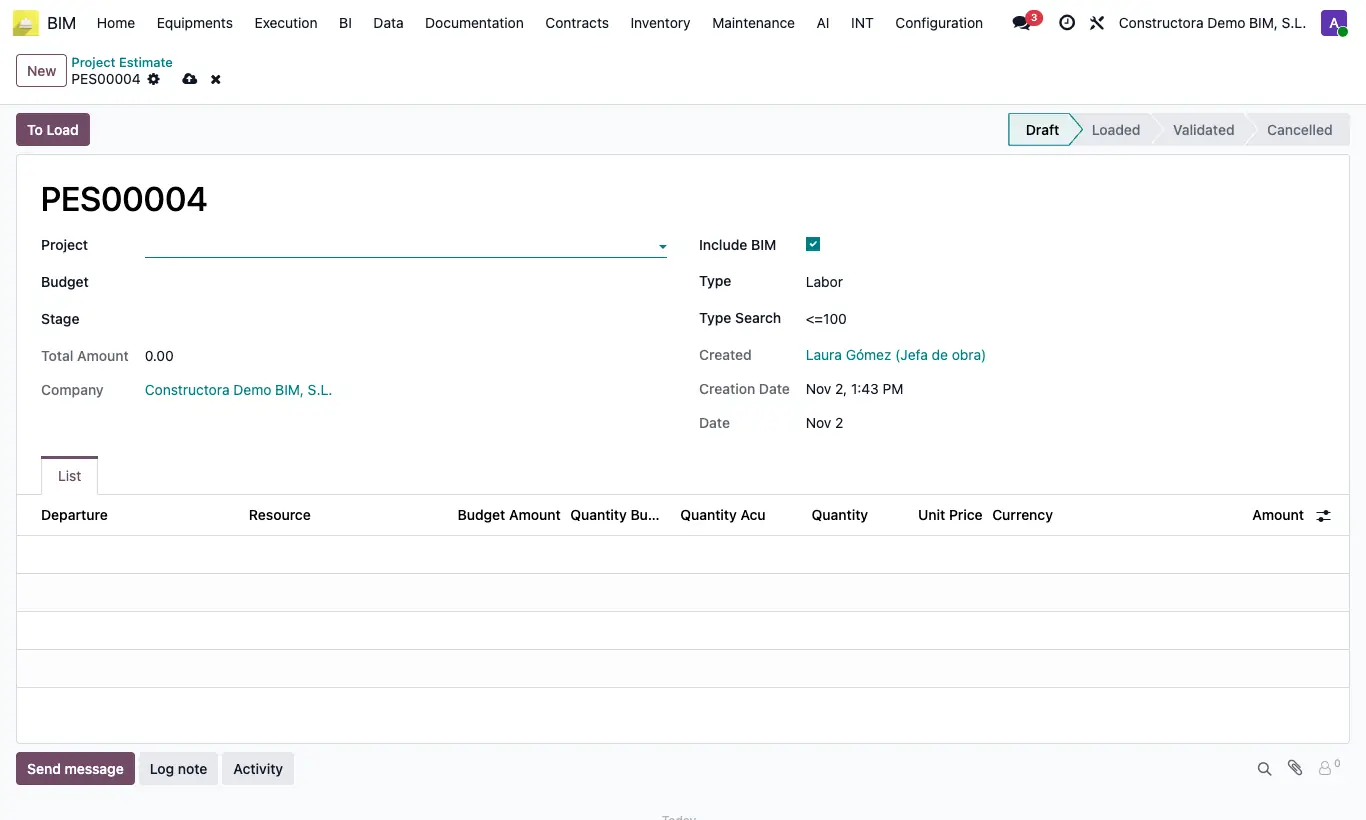
Steps
- Click New, choose Project and Budget. The current Stage is suggested.
- Choose the resource Type (Labor, Equipment, Material or All, which loads the three) and the Search: <=100 omits resources already fully estimated; All shows them all.
- Click To Load: one line per resource with its Departure, Budget Amount, Quantity Budget, Quantity Acu and Unit Price.
- Write the estimated Quantity on each line.
- Click To Validate: it calculates the Total Amount and deletes the lines at zero.
Site note
All the lines of all estimates can be consulted in Project Estimate Line.