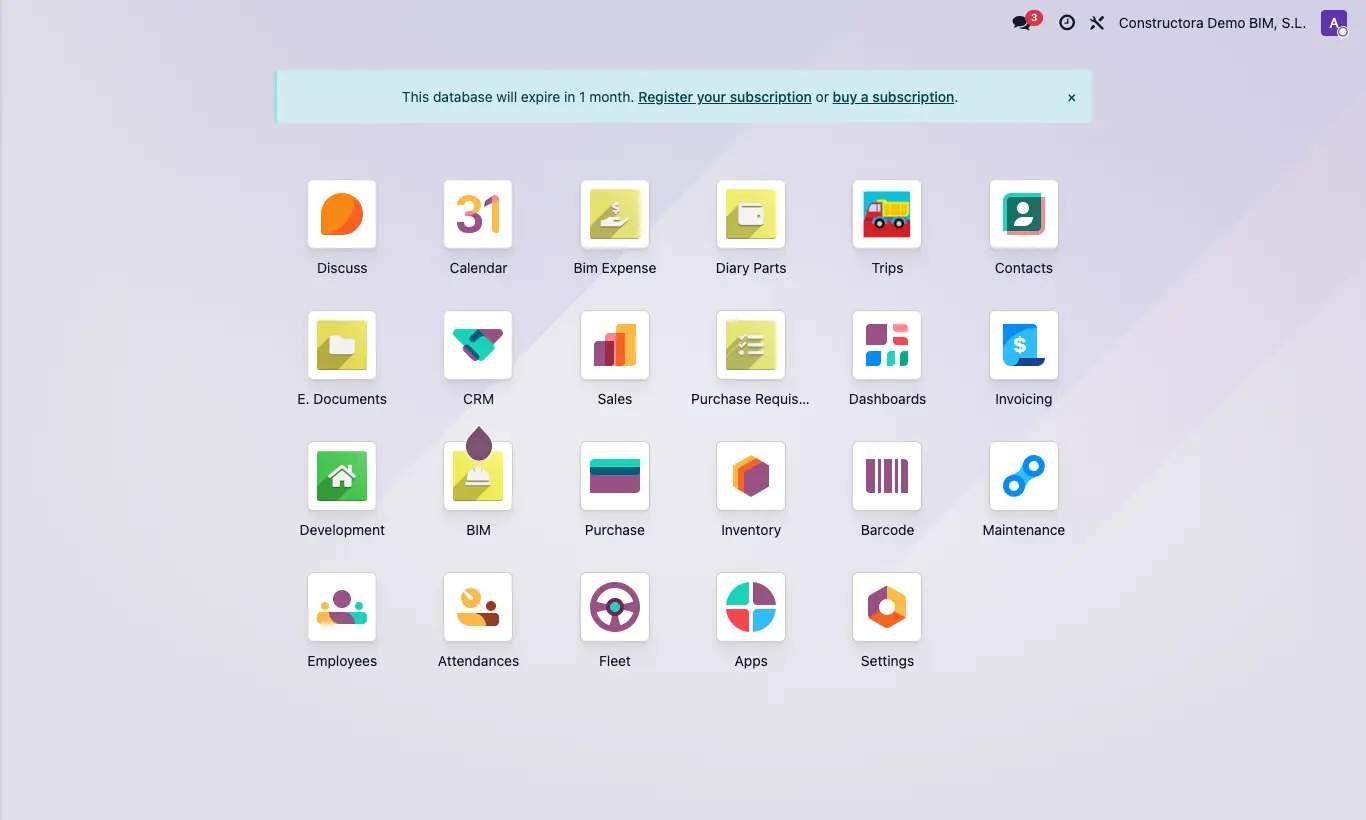
Where Home screen › BIM
Steps
- Log in to Odoo from your browser. Nothing needs to be installed.
- On the home screen, click the BIM icon: it is the main application.
- Use the top bar: Home (projects and certifications), Execution (scheduling, reports, cash flow), BI (dashboards), Data (prices, templates, employees), Documentation, Contracts, Inventory, Maintenance, AI, INT and Configuration.
- To return to the home screen, click the grid icon at the top left.
Site note
If you only work on site, the Diary Parts application opens the daily reports directly.
What you see depends on your profile: your screen may show fewer icons than a colleague's.