Where BIM › Documentation › Customer Evaluation › Customer Survey Lines
Steps
- To see each full survey, go to Customer Survey: those still in Draft appear in red, cancelled ones in grey.
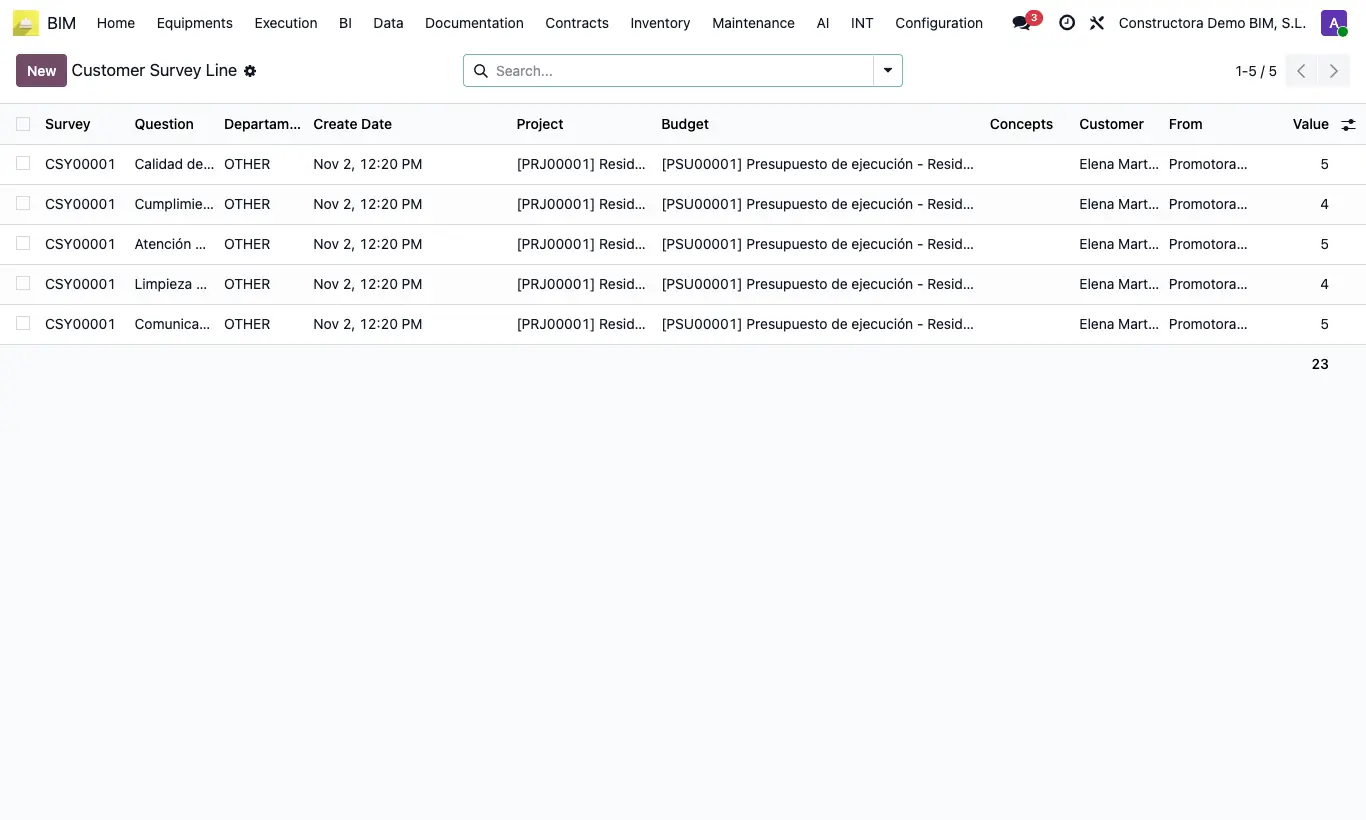
- To analyze, go to Customer Survey Lines: one row per answered question, with the Question, the Value, the Customer, the Project and the Create Date.
- Group by Question to see which aspect scores worst, or by Project to compare projects.
- Look at the sum of Value at the foot of each group.
- Export the list to Excel if you need averages or charts.
Site note
The list adds up but does not average: for the average score, divide the sum by the number of answers in the group.