Where BIM › Documentation › Customer Evaluation › Customer Question Template
Before you start
Questions already created.
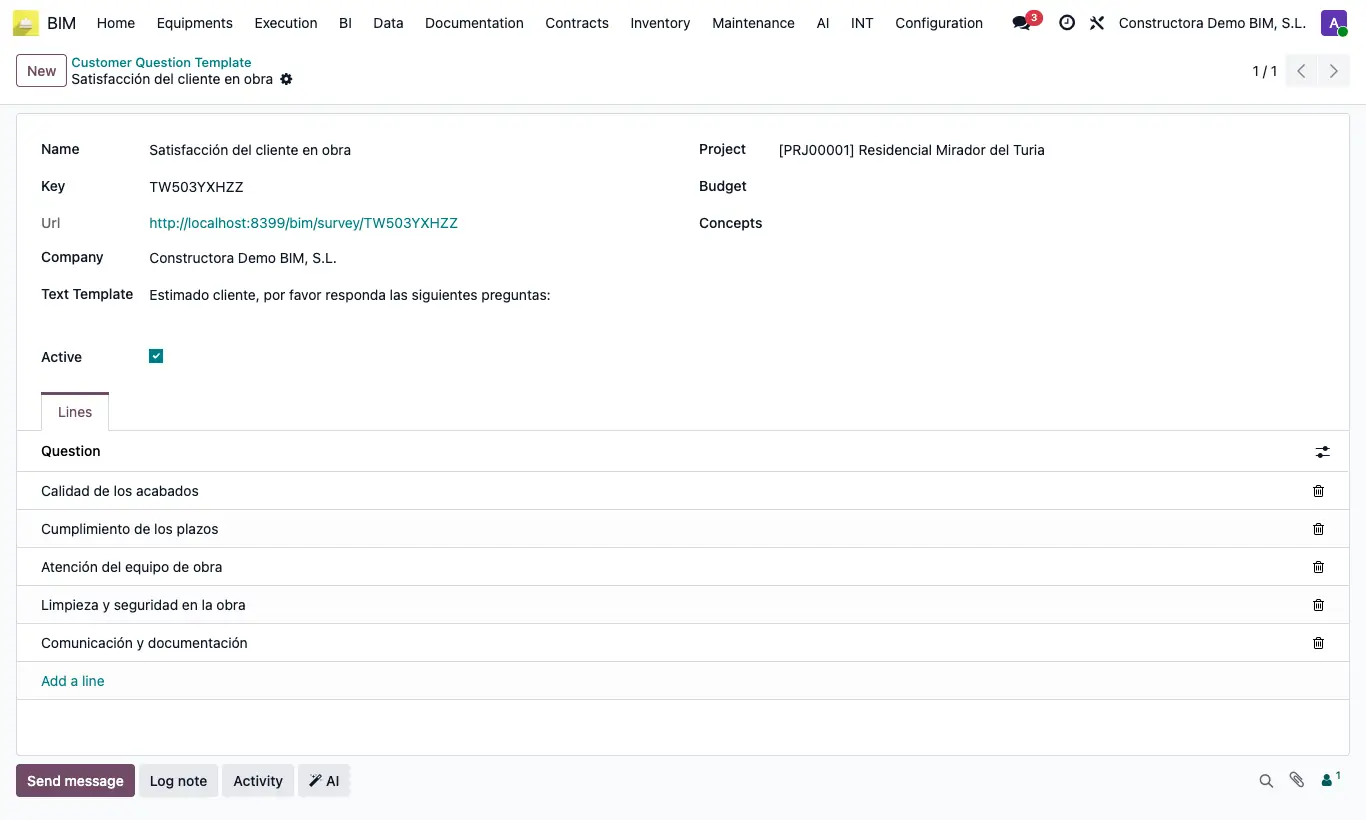
Steps
- Go to BIM › Documentation › Customer Evaluation › Customer Question Template and click New.
- Enter the Name and review the Text Template: it is the greeting the customer will see above the questions.
- If the survey is for a specific project, choose Project and, if you wish, Budget and Concepts (item).
- In the Lines tab add the questions in the order they should appear; drag them to reorder.
- Leave Active ticked and save: the survey Key and Url are filled in automatically.
Warning
If you untick Active, the survey link stops working.
Site note
Make one template per project or phase (handover, after-sales) to compare results.