BIM 2.0Odoo 19

Process manual

Search for what you want to do and follow the steps. Each process shows where it is in the menu, what you need first and which mistakes to avoid.

The life of a project

Staff and attendance

How do I assign employees to a project?Record which people work on each project and on which dates.

Where BIM › Home › Management › Project Employee

Before you start

Project Employees profile.
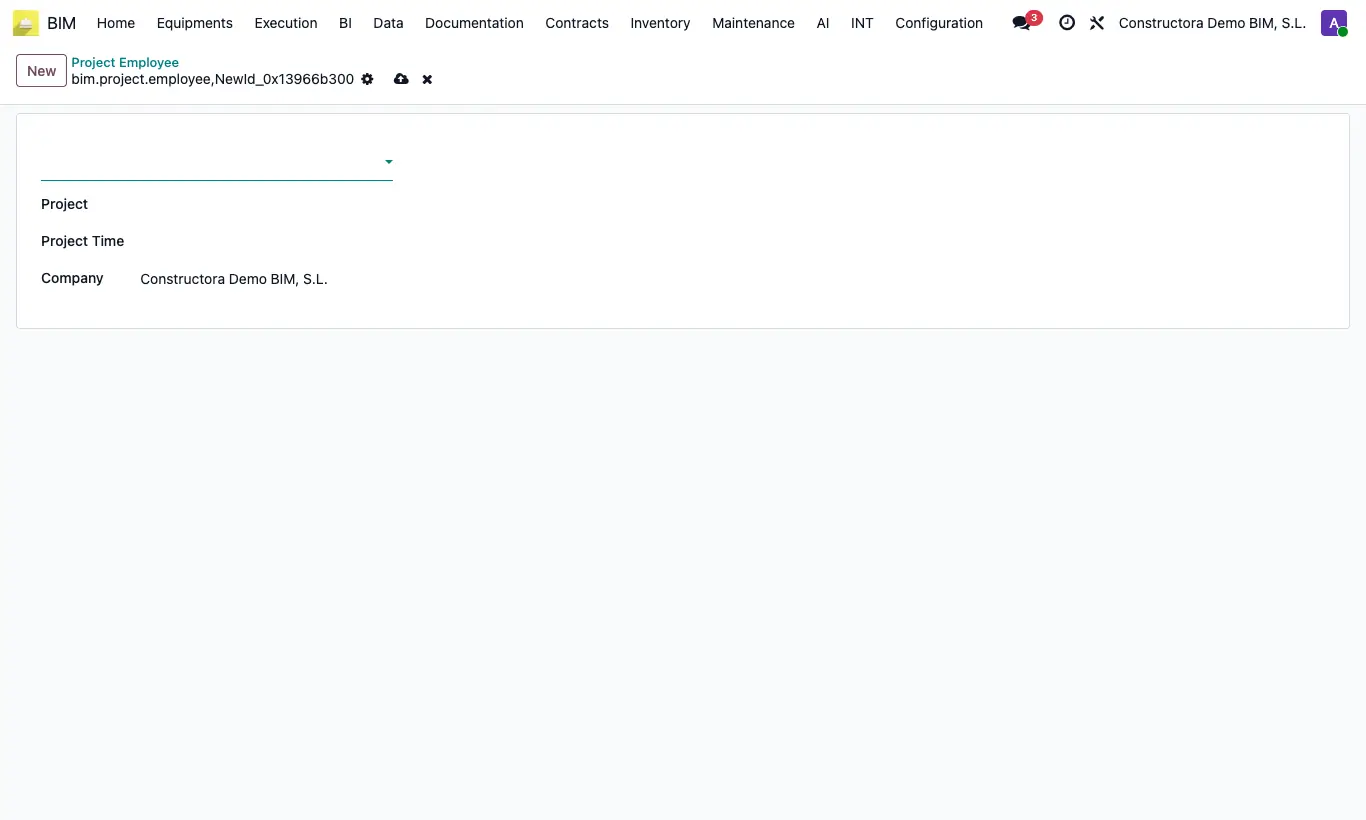
How do I assign employees to a project?

Steps

  1. Go to Home › Management › Project Employee and click New.
  2. Choose Employee and Project.
  3. Set Project Time: start date (required) and end date.
  4. Save. From the project, the BIM Employees button shows this list.
Site note

The project's Employees button, by contrast, shows those who have it as their Default Project.

Documented version: BIM 2.0 (base_bim_2 19.0.19.04.2026) · Odoo 19